Who’s reviewing Friday’s delivery? If the answer is in your messages, everyone waits while you look. In GGyess, your team can find the client brief, the task owner and the due date themselves.
A client calls on Monday before anyone has written a task. By Friday, someone else will send the finished guide. Here’s how the team keeps track of every promise in between.
01The client
Remember where the last call ended.
On Monday, a client calls about a brand launch. You agree to check in on Thursday. Save the contact, open an opportunity and set a reminder while the conversation is fresh.
Company details and an opportunity with a stage and expected close date.
02The brief
Give everyone the same brief.
The client’s brief sets out the audience, the brand guidelines and Friday’s deadline. Put those details on a project page. When a designer needs a detail, the answer is there, in the client’s own words.
Document types and the block menu of a GGyess page.
03The delivery
Know which version is ready to send.
On Thursday’s call, the client asks for a color change. Add a subtask, attach the corrected guide and mark the work complete after review. The person sending it can see exactly which file to use.
Task subtasks and attachments, alongside a document discussion.
GGyess AI
Give your next project a first draft.
You know what you need to deliver. Turning it into a task list is another piece of work. Tell the assistant what’s due and when, then review the suggested tasks before adding them to your project.
A client calls back while their usual contact is in a meeting. With the contact and deal on file, a teammate can pick up the conversation.
The Free plan
Start with what’s due next.
One project is enough to try it. Choose a delivery already on the calendar, add a task and invite the person who’ll review it. The Free plan gives you room for up to nine people.
One project space, up to 9 users, 50 contacts, 50 work items per cycle and 300 MB of storage. Compare plans if you need more capacity or AI access.
Do I have to move everything at once?
Start with one active project. Add the next deliverable, give it an owner and a date, and invite the people doing the work. You can bring over other workflows later.
How do the board and calendar differ?
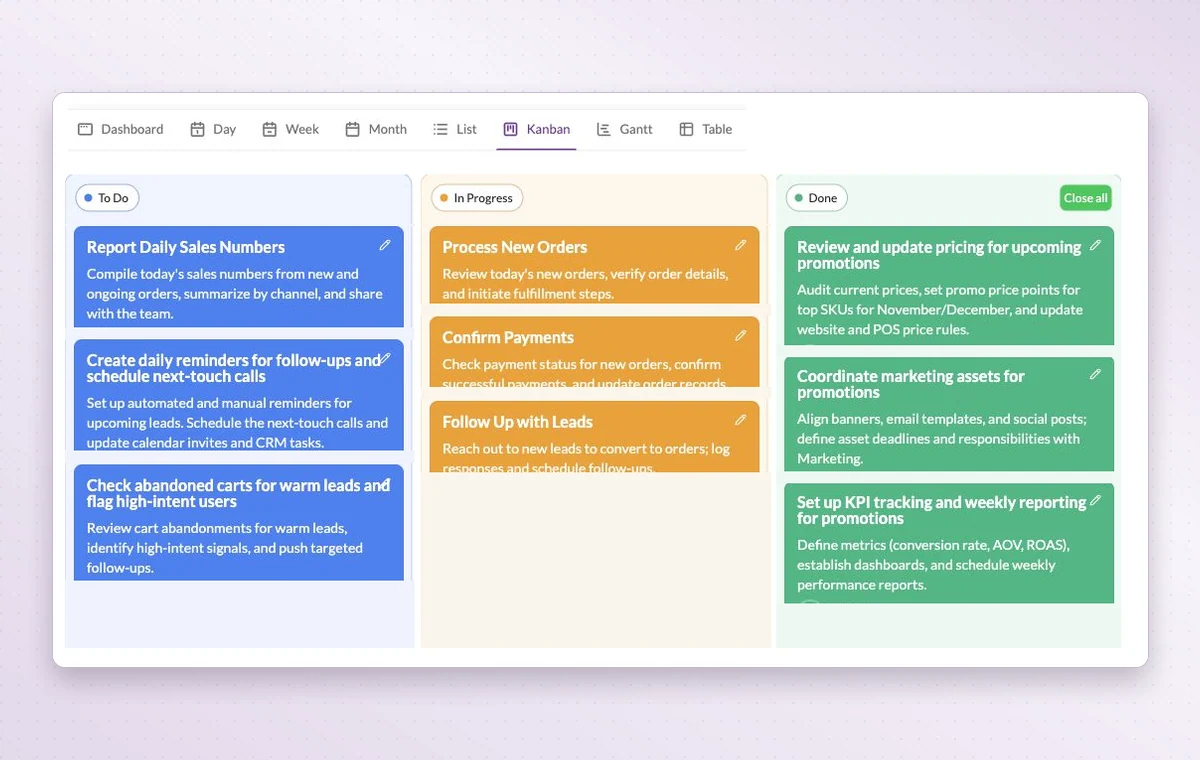
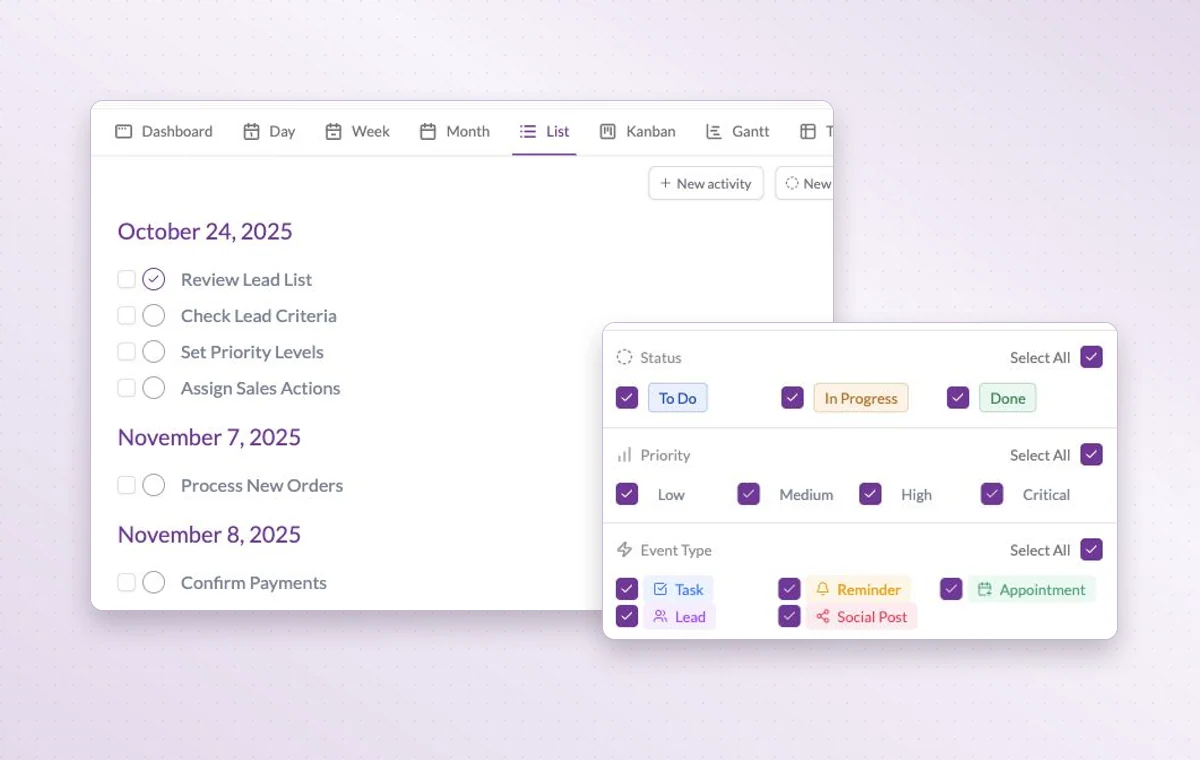
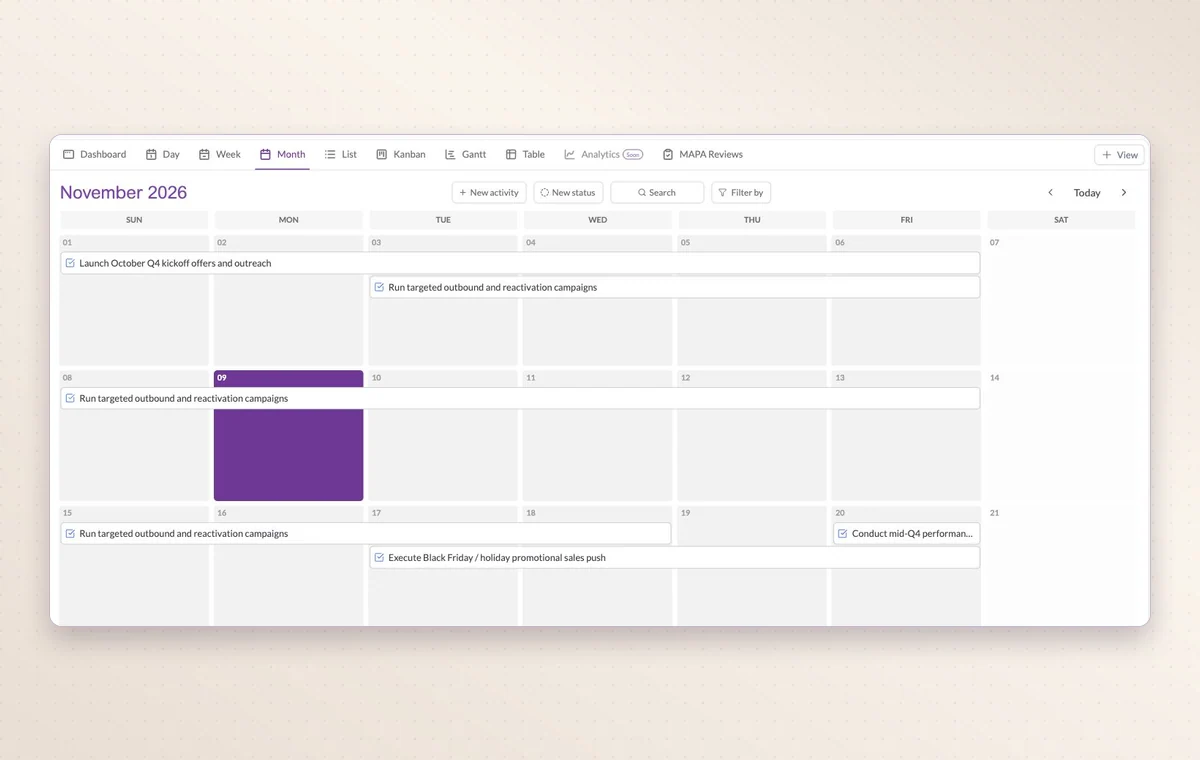
Use the board to see work grouped by status. Use the calendar to see activities on their scheduled dates. The example above lets you switch views to try both.
Can I review tasks suggested by AI?
Yes. You can review the proposed tasks and adjust details such as dates and priorities before creating them. AI is available on paid plans, with usage limits that vary by plan.
GGyess WorkSuite
Give your team an answer they can find.
The next time someone asks what’s due on Friday, open the board together. Start with the one delivery already on your mind.
With your permission, we use Google Analytics to see which pages people visit and whether they click the registration buttons. Google Ads measures visits from ads. With separate permission, Google Signals can associate this visit with a signed-in Google account for aggregate reports. With your permission, Microsoft Clarity may record clicks and scrolling to replay your visit.Cookie policy.