
Break down a larger task
Put quick checks on the main task. If a piece of work needs its own status, make it a subtask so people can follow its progress.
The check happens every week, along with the messages asking who’s doing it. Set up a recurring task in GGyess with an owner and written steps. Record exceptions on the task as they come up.
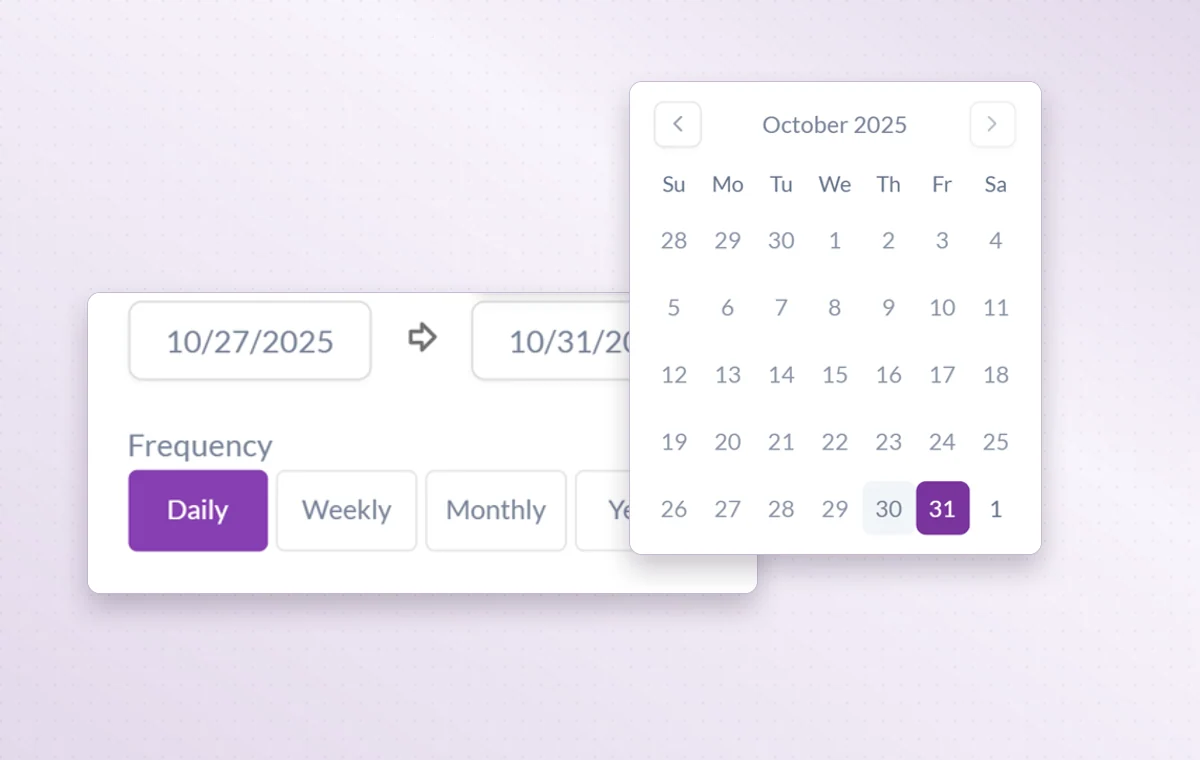
Write down the usual steps and what needs checking before someone marks the work done.
Assign the task to one person, set a date and include the checks they should make.
Record exceptions and update the process after the review.
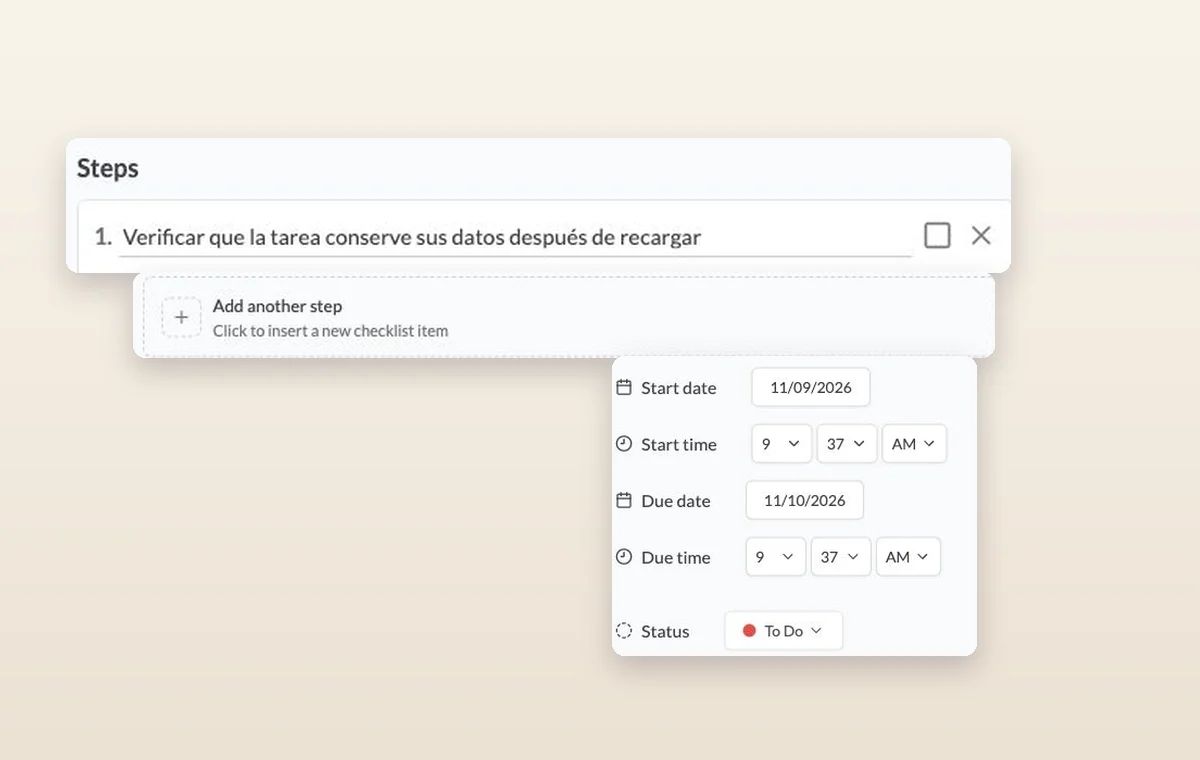
Put quick checks on the main task. If a piece of work needs its own status, make it a subtask so people can follow its progress.
Use project statuses that match the handoff. For example, “In review” tells the team a draft is ready for someone to read.
Assign the people responsible for the task. If the plan changes, the team knows who to speak to and which assignments to revisit.
Record what happened and how it was handled on the task for that occasion. If the team adopts the change, update the written procedure too.
Use a recurring task when someone must complete work and report its status. A reminder suits a prompt to check or follow up.
Start on the free plan. Invite your team when you’re ready.