A question two people once settled in conversation now waits for an answer. Start with one real delivery in GGyess. Give it a space, an owner and instructions someone new to the team can follow.
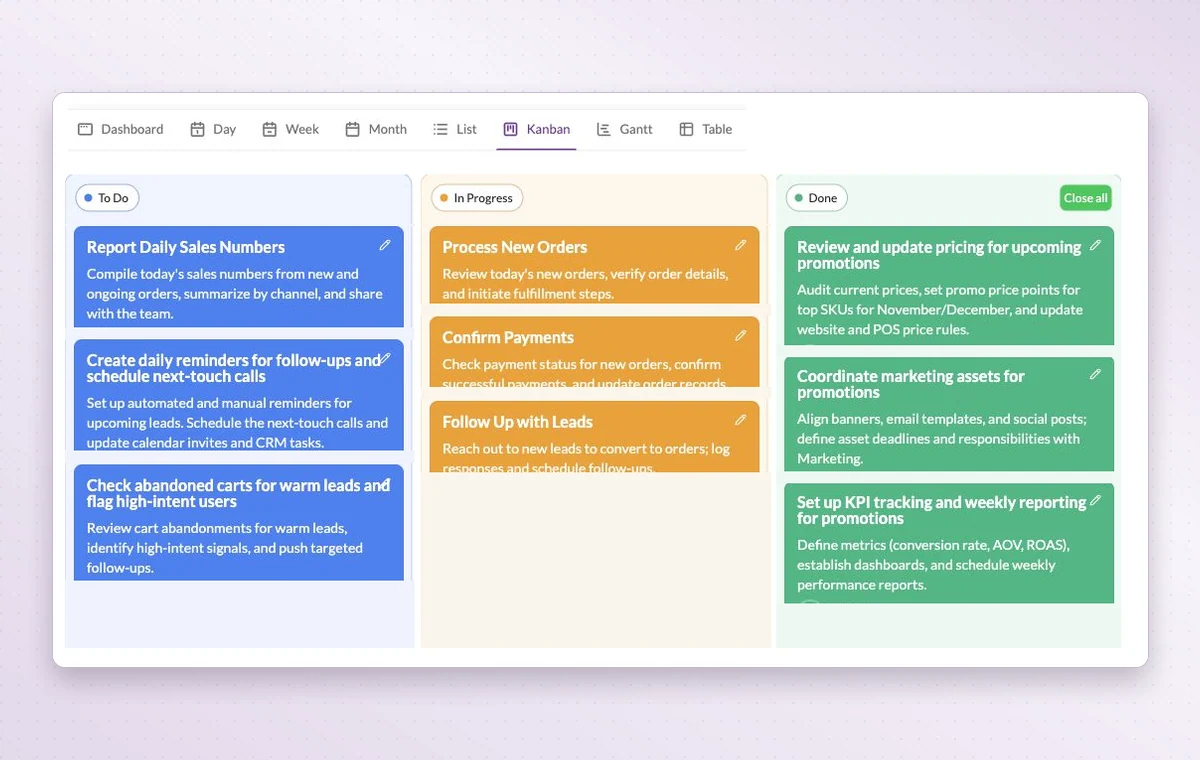
GGyess Kanban board with tasks grouped into To Do, In Progress and Done.
Startups and small businesses
In day-to-day work
A home for each project
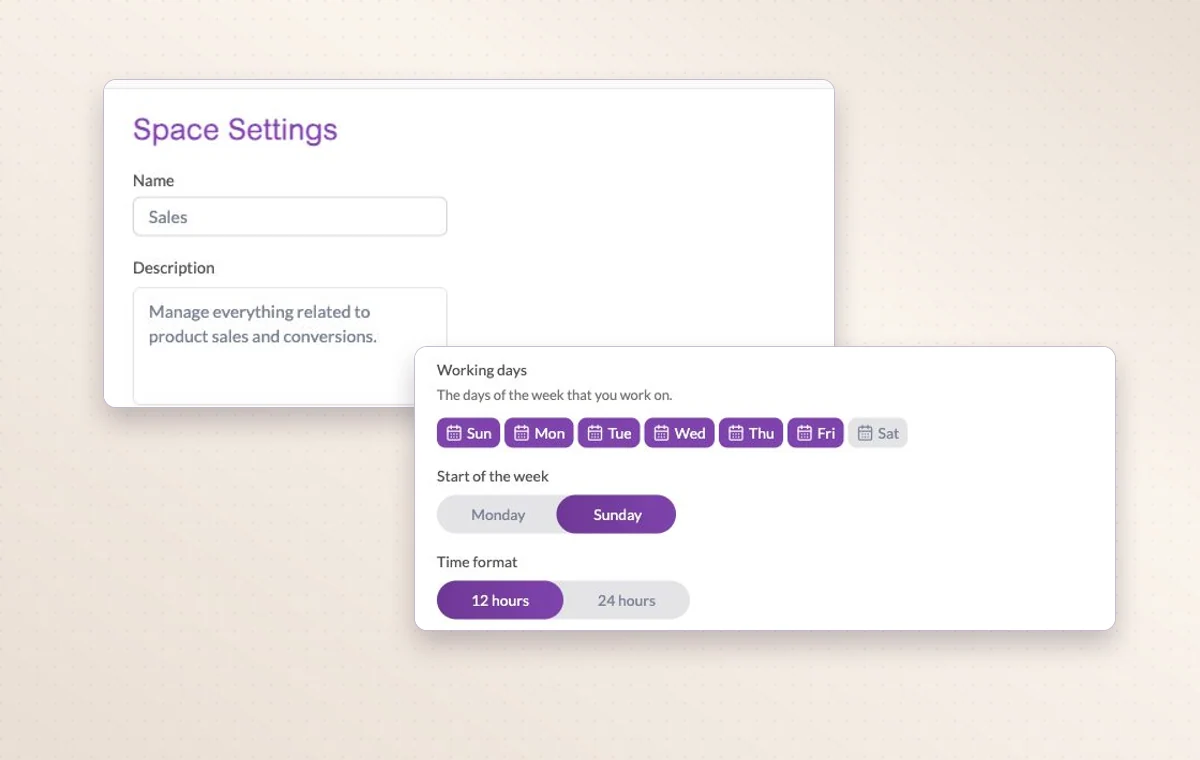
Name the project, describe the outcome and set its working days. The team can add its tasks there as the work takes shape.
The agreement in writing
Draft the wording in a text document. Use a page with blocks for a brief that brings instructions, decisions and deliverables together.
Someone to turn to
Assign the people responsible for the task. If the plan changes, the team knows who to speak to and which assignments to revisit.
Before you start
A few good questions.
How much should we set up on day one?
Start with the people, stages and tasks needed for one real delivery. That first run shows which instructions and responsibilities need refining.
What is a useful first project?
Pick one deliverable with a clear finish, such as a client onboarding or a campaign brief. It is easier to choose the right stages when you know the outcome.
With your permission, we use Google Analytics to see which pages people visit and whether they click the registration buttons. Google Ads measures visits from ads. With separate permission, Google Signals can associate this visit with a signed-in Google account for aggregate reports. With your permission, Microsoft Clarity may record clicks and scrolling to replay your visit.Cookie policy.