Month-end is here. Which document is still missing?
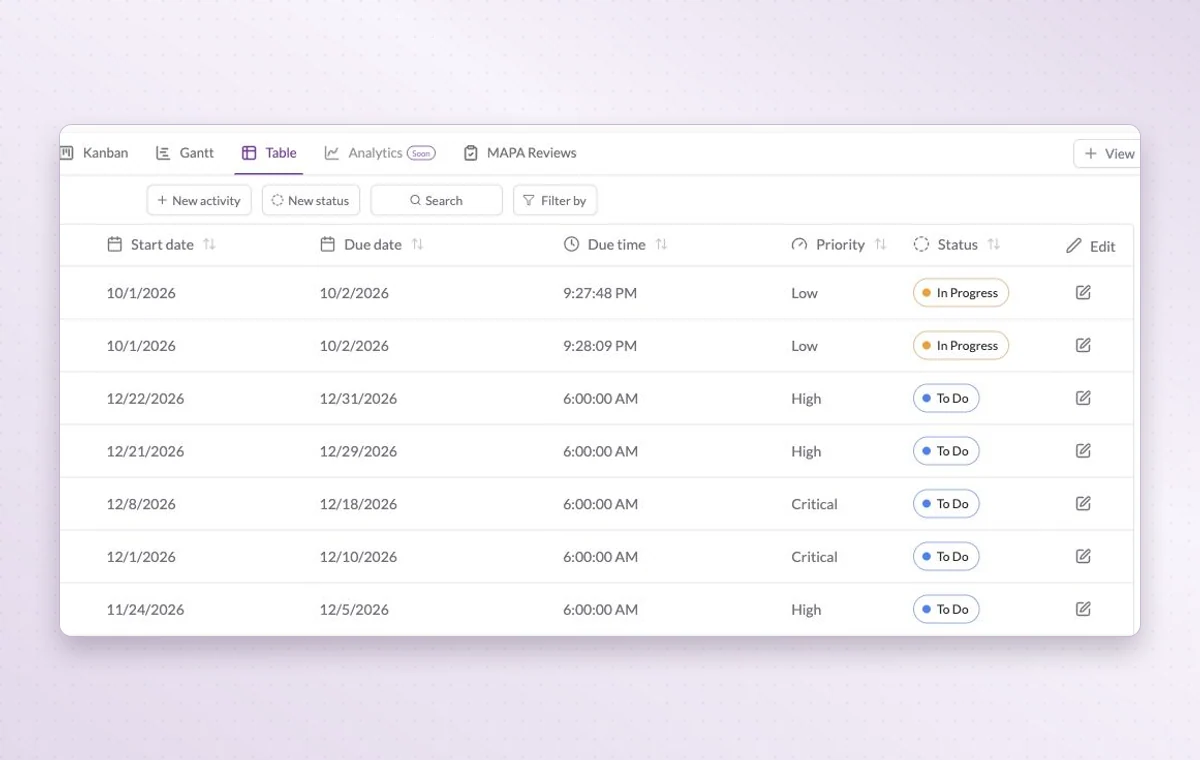
An invoice is missing, and two people have already asked for it. Use GGyess to assign the follow-up, set a review date and see what needs checking. Your accounting system keeps the official records.
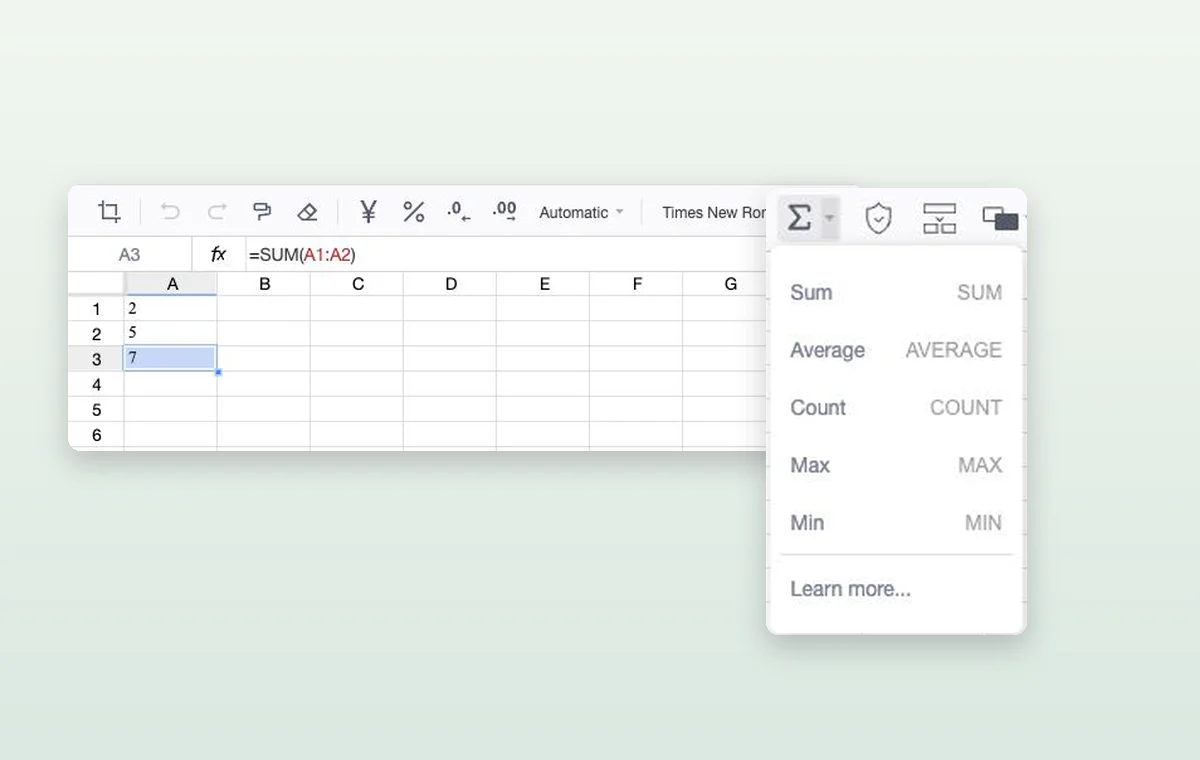
A formula adds two values in a GGyess spreadsheet. The function menu includes sum, average and count.
Finance teams
In day-to-day work
Keep the figures close
Keep expected amounts, assumptions and totals in a spreadsheet. When a figure comes up in a review, the team can return to the same numbers.
The file that goes with the task
Keep source files in storage and attach the relevant one to the task. The person starting work can open it with the instructions.
Break down a larger task
Put quick checks on the main task. If a piece of work needs its own status, make it a subtask so people can follow its progress.
Before you start
A few good questions.
What should stay in our accounting system?
Keep your general ledger, reconciliation, payment processing and official financial records in your accounting system. Use GGyess for deadlines, owners and supporting work.
Can I do calculations in a document?
Choose a Sheet document for cells and formulas such as SUM. Use Text or Page for narrative material.
With your permission, we use Google Analytics to see which pages people visit and whether they click the registration buttons. Google Ads measures visits from ads. With separate permission, Google Signals can associate this visit with a signed-in Google account for aggregate reports. With your permission, Microsoft Clarity may record clicks and scrolling to replay your visit.Cookie policy.