Once the doors open, there’s little time to decide who does what. Put supplier appointments and preparation tasks on the GGyess calendar and name the person responsible for each handoff.
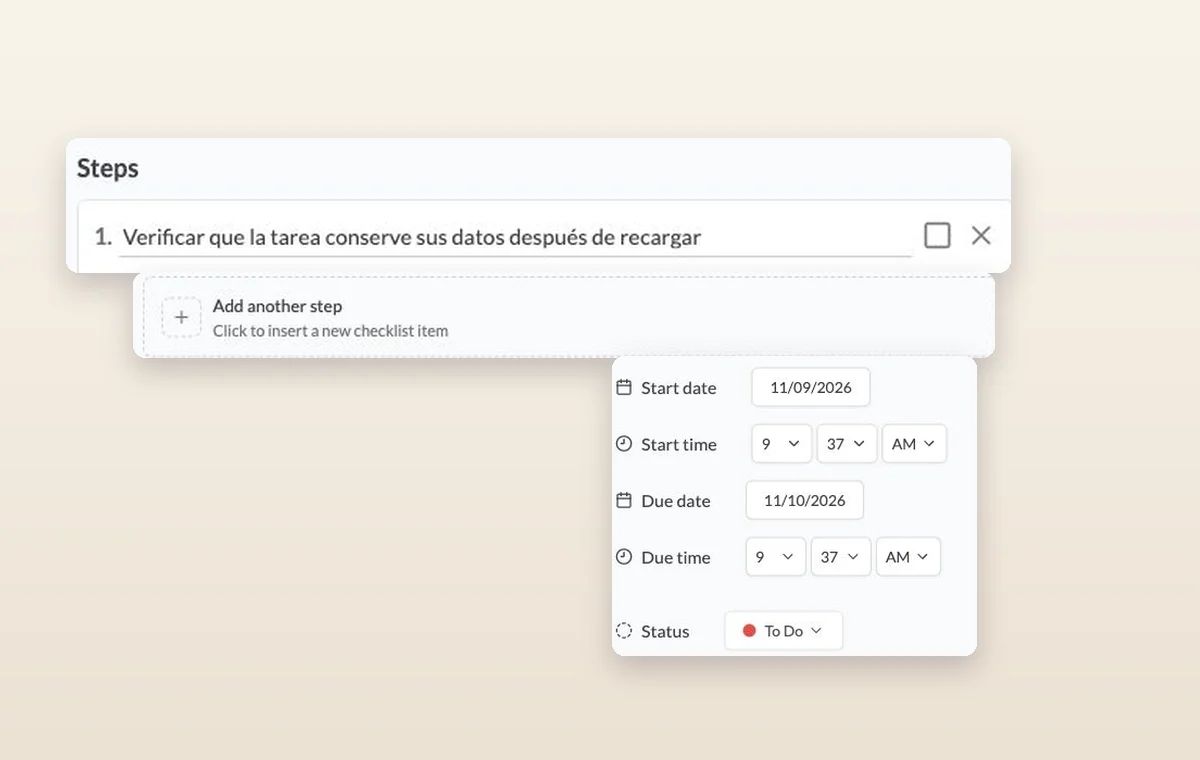
Steps on a task, the control for adding another step, and its start date, due date and status.
Event planning
In day-to-day work
Make room for the next deadline
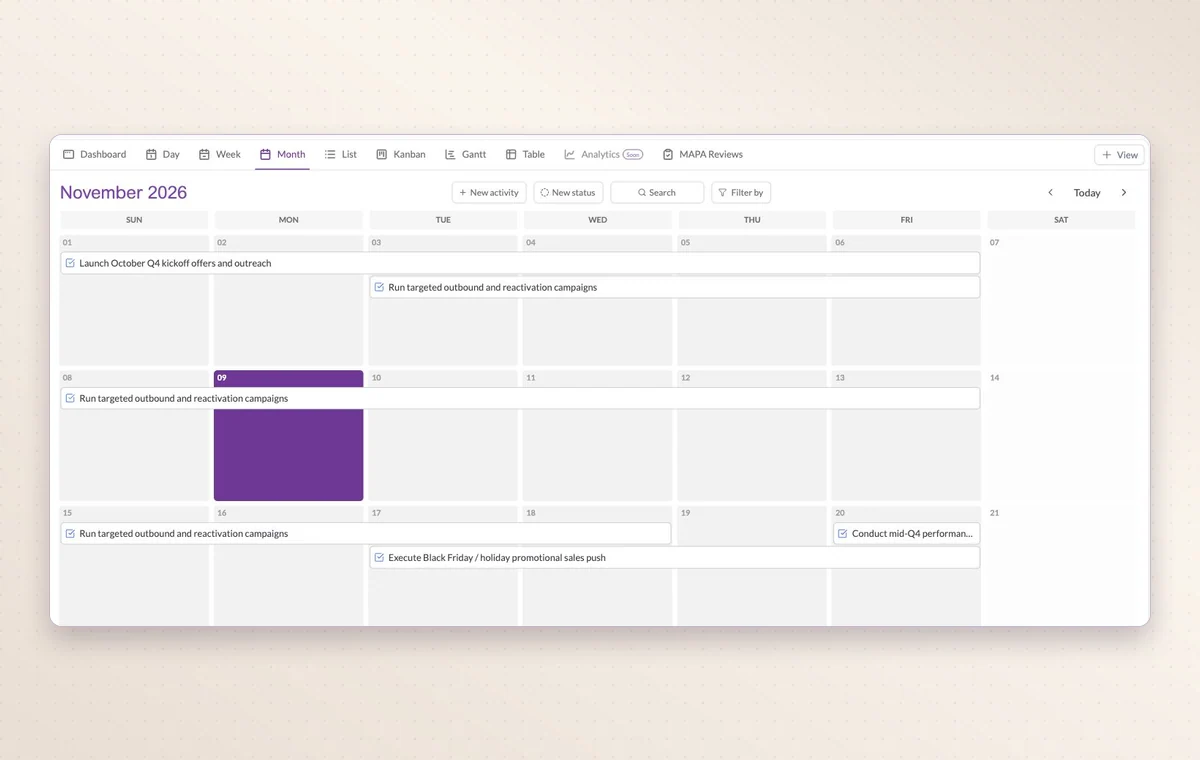
Look at one day, the week or the whole month to see which appointments already share the calendar with your deliveries.
The person behind the account
Link a contact to their company and record what matters in the notes. A teammate can take the next call knowing who they’re speaking with.
Break down a larger task
Put quick checks on the main task. If a piece of work needs its own status, make it a subtask so people can follow its progress.
Before you start
A few good questions.
Where can the team find a supplier’s contact details?
Create contact records for the relevant people or businesses, then associate them with appointments or tasks where the contact is needed.
Can I bring in an external calendar?
GGyess offers Google Calendar and Microsoft Calendar connections. Your account connection, selected spaces and sync settings determine what is included.
With your permission, we use Google Analytics to see which pages people visit and whether they click the registration buttons. Google Ads measures visits from ads. With separate permission, Google Signals can associate this visit with a signed-in Google account for aggregate reports. With your permission, Microsoft Clarity may record clicks and scrolling to replay your visit.Cookie policy.