
Tell the assistant what you need
Include the project, who the work is for and the result you need. A request for a client presentation gives the assistant a different starting point than a note for the team.
The meeting starts in minutes and you need to know which deadlines come first. Choose the project, ask the assistant about a specific period and check its answer against the tasks before making a decision.
AI tools vary by plan. Compare plans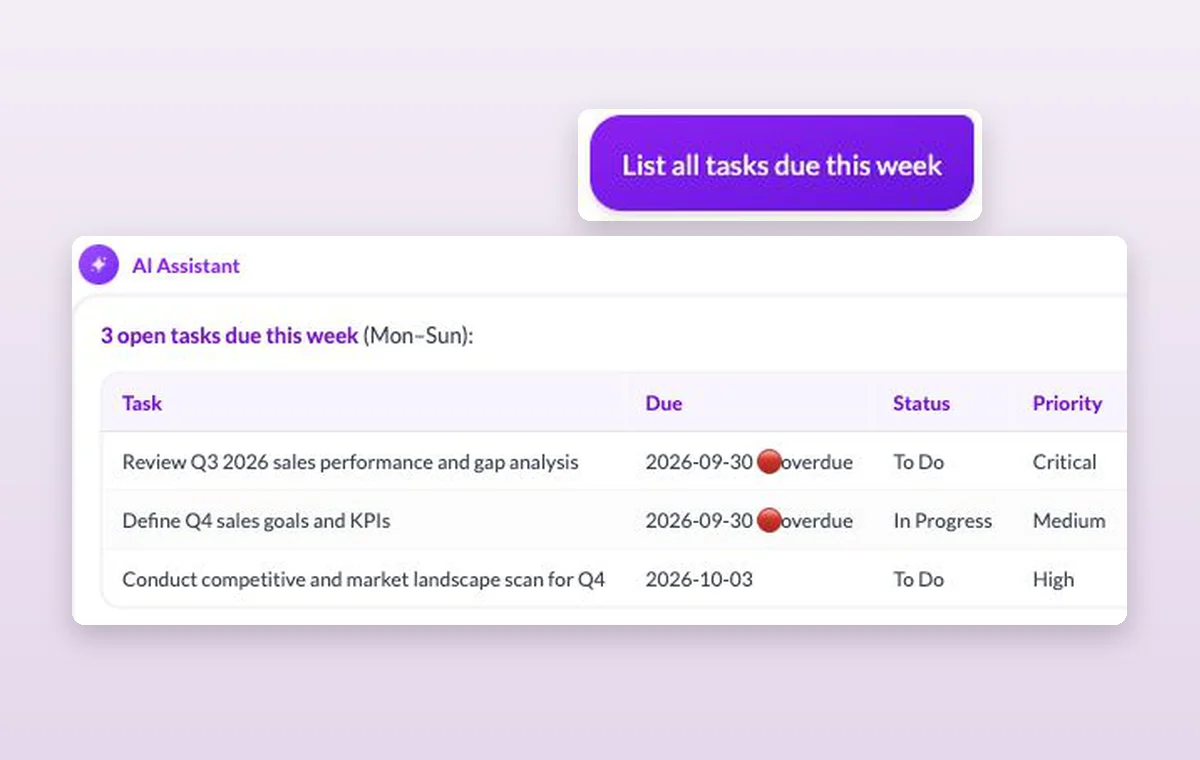
Include the project, who the work is for and the result you need. A request for a client presentation gives the assistant a different starting point than a note for the team.
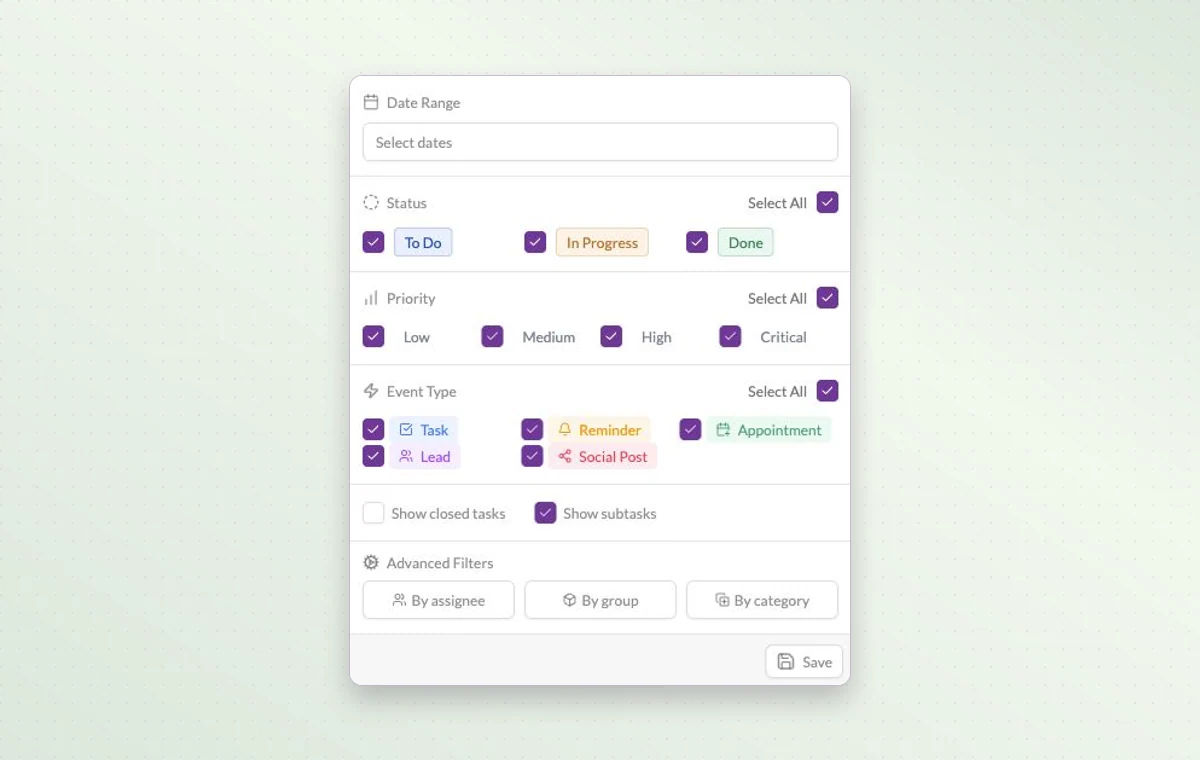
Need to know what’s still open this week? Narrow the view by date and status, then add a priority or assignee if you need a shorter list.
Choose a task in the list to read the instructions, check the remaining steps and update its status when it’s ready.
Try “Which tasks in this project are due this week?” A specific scope makes the response easier to verify against your project calendar.
AI access and usage allowances depend on the workspace plan. Check the plan and usage details inside your workspace.
You can create an account for free. The AI tools available to you depend on your plan.