
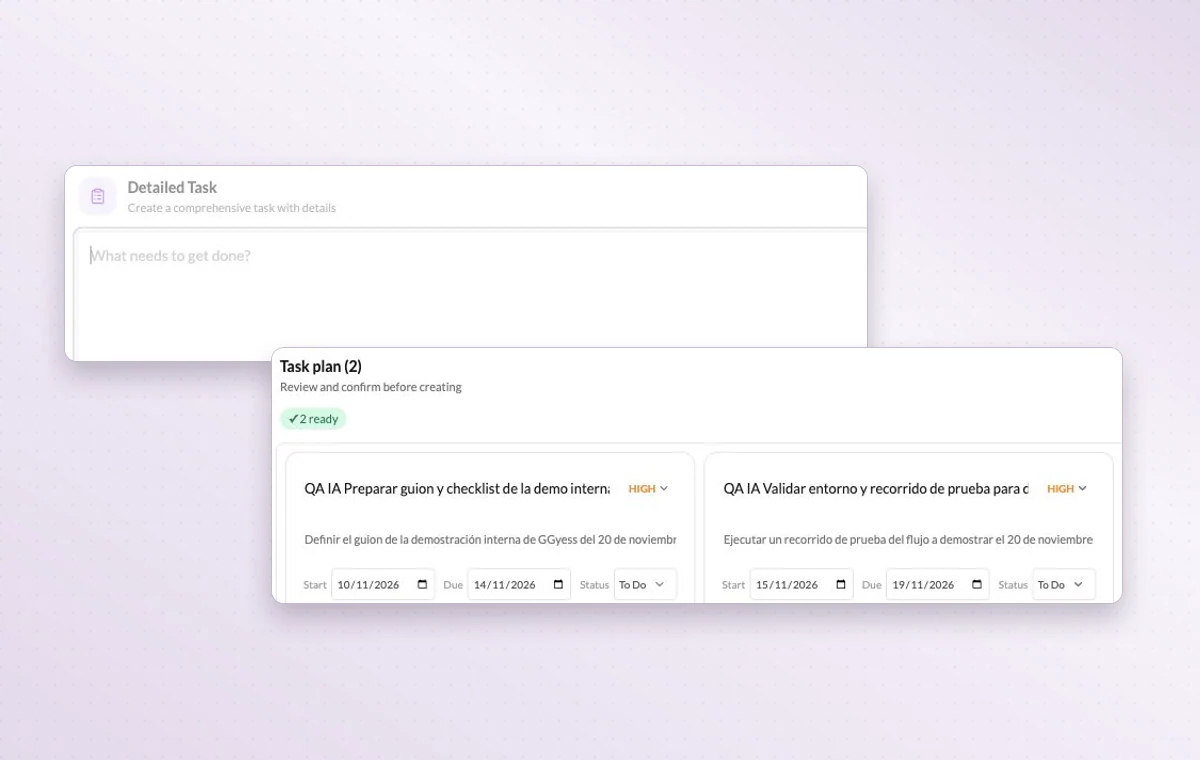
Tell the assistant what you need
Include the project, who the work is for and the result you need. A request for a client presentation gives the assistant a different starting point than a note for the team.
Everyone agrees on the outcome. Someone still has to break it into tasks. Describe the deliverable to the GGyess assistant, review the plan it suggests and choose which tasks to create.
AI tools vary by plan. Compare plans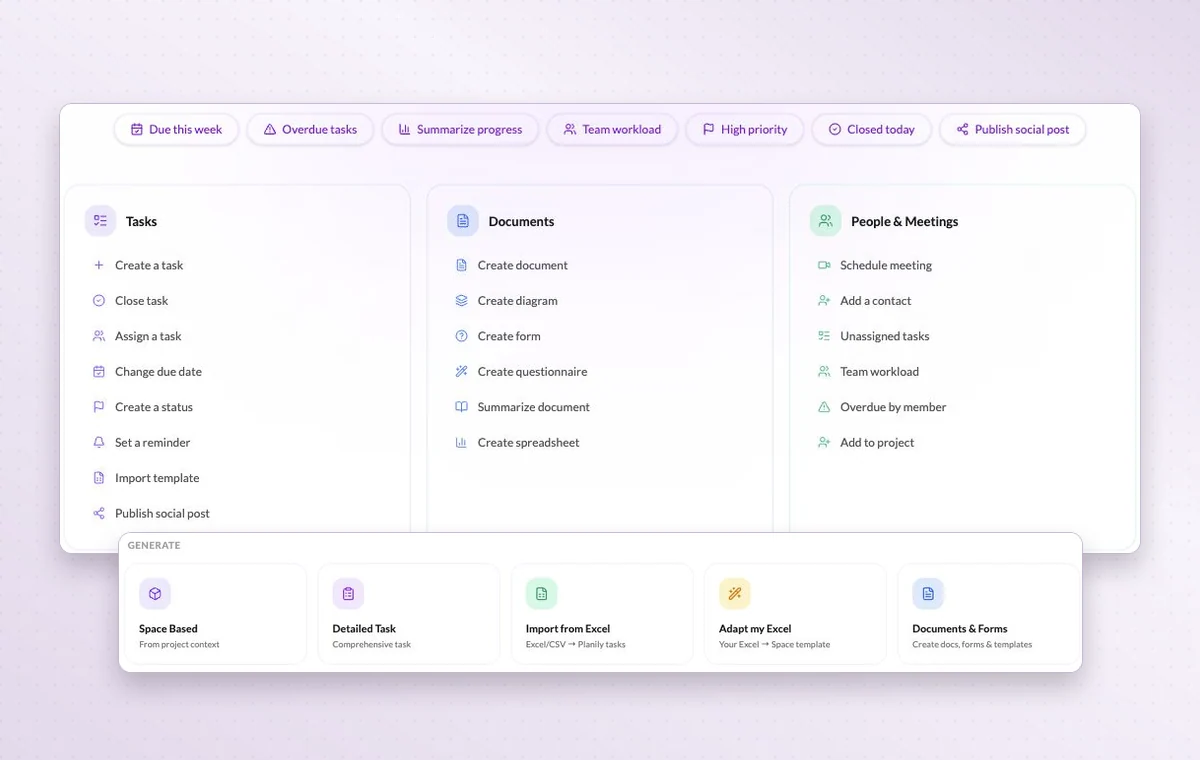
Include the project, who the work is for and the result you need. A request for a client presentation gives the assistant a different starting point than a note for the team.
Describe the work to the AI assistant in your project. Review its proposed tasks and adjust the details before creating them. Available on paid plans.
Draft the wording in a text document. Use a page with blocks for a brief that brings instructions, decisions and deliverables together.
Bring more than one idea to the discussion.
AI writingYour notes already hold the hard part.
AI image generationAgree on the image before you produce it.
AI project planningThe deliverable is clear. Where do you start?
AI task generationSkip the task-by-task rewrite.
Project questions with AIAsk what’s due before you open another list.
AI access and usage allowances depend on the workspace plan. Check the plan and usage details inside your workspace.
Give the audience, objective and constraints. For example, ask for three launch email angles for returning customers, using a short, practical tone.
You can create an account for free. The AI tools available to you depend on your plan.