GGyess / Solutions Make yesterday’s decision easy to find. A teammate comes back to twenty new messages and one simple question. Talk it through in GGyess chat, then put the decision on the task so they can pick up where you left off.
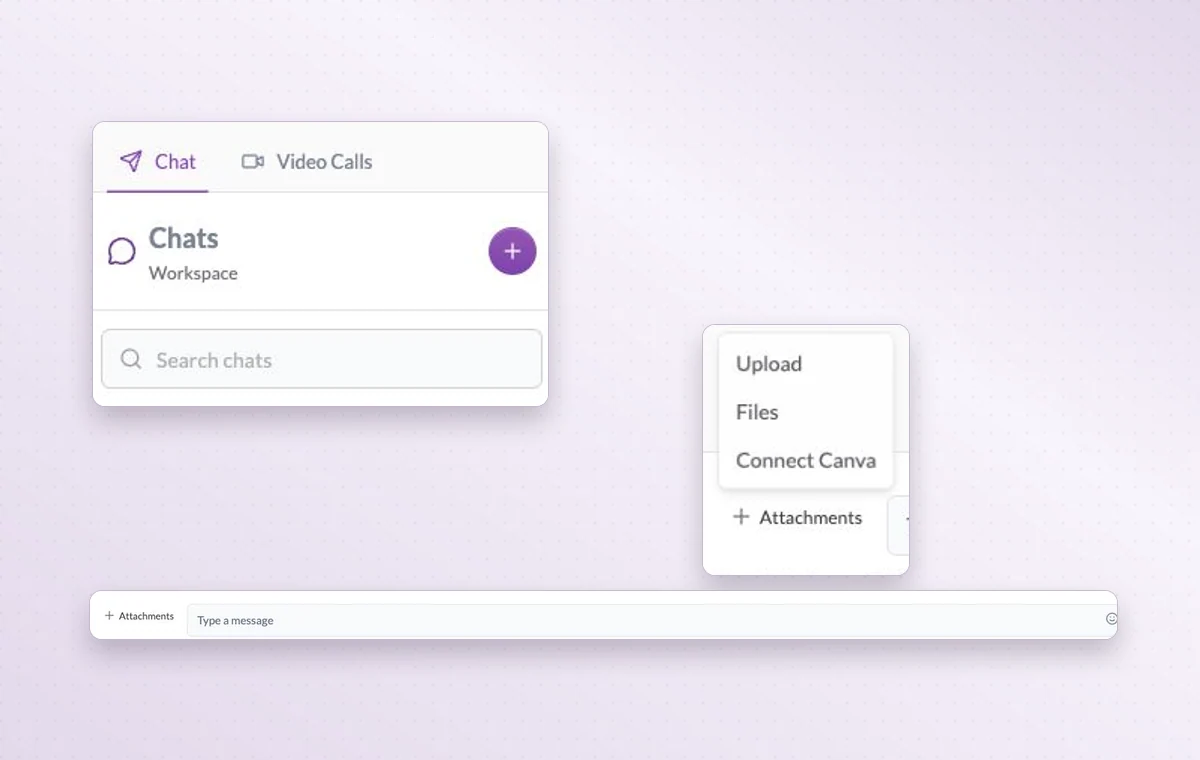
Search workspace chats for the conversation you need, or attach the file you want to discuss.
Leave the decision where the next person will need it 01 Write the shared instructions in a project document.
02 Name the person preparing the work and the person receiving it, then agree on a due date.
03 Discuss details on the task and record the agreed next step.
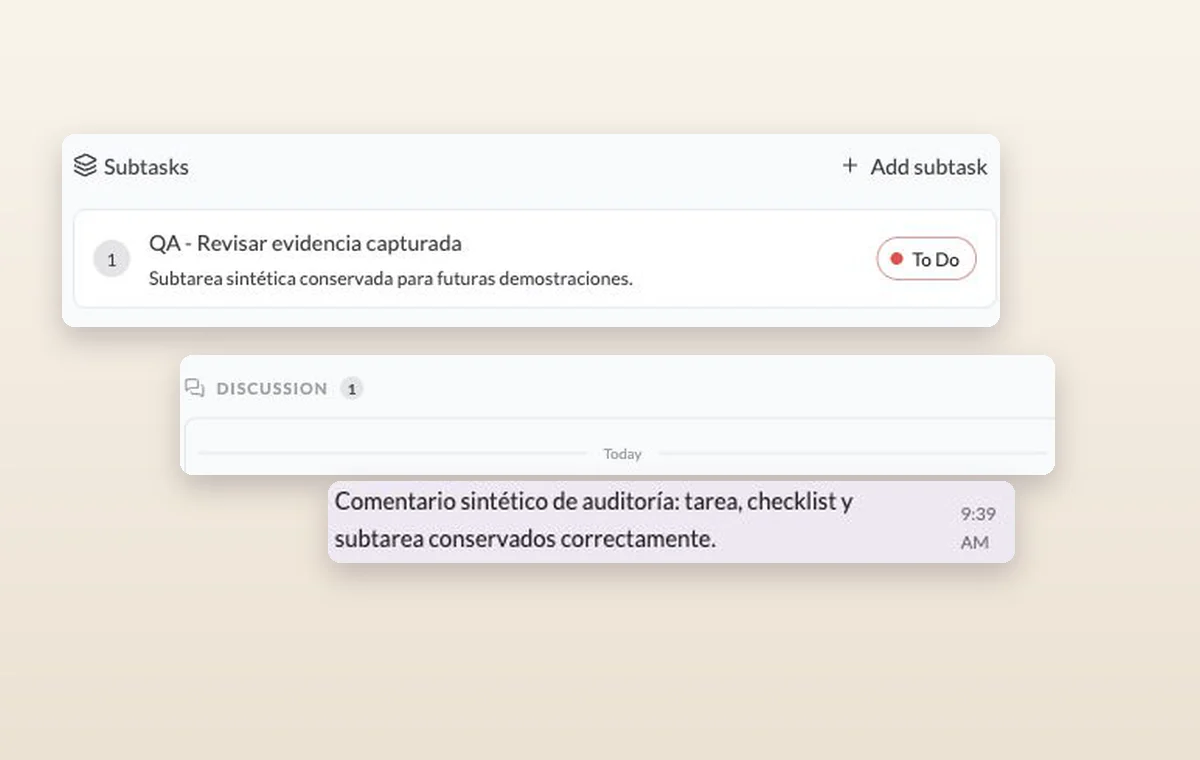
A subtask and an internal comment recorded in the discussion of its parent task.
In day-to-day work A decision you can find again Put a change request or decision in a task comment. The next person to open the task can read what was agreed before starting the revision.
The agreement in writing Draft the wording in a text document. Use a page with blocks for a brief that brings instructions, decisions and deliverables together.
Someone to turn to Assign the people responsible for the task. If the plan changes, the team knows who to speak to and which assignments to revisit.
A few good questions. What belongs in chat and what belongs on a task? Use chat to resolve a quick question. Put the decision and any acceptance criteria on the task that the recipient will complete.
How are comments different from task history? Comments capture what teammates say about the work. The history records changes to the item, such as a title update.
Give the next person enough context to carry on. Start on the free plan. Invite your team when you’re ready.
Cookie settings × Strictly necessary Always on
The site remembers your choice for 180 days in this browser. You can browse every page with optional tools turned off.
Your browser is sending a Global Privacy Control signal. Optional tools stay off.
We remember your advertising opt-out in this browser for at least 12 months. You can change it here if you wish.
I confirm my new advertising choice Français (Québec) Português (Brasil) Privacy Cookie policy
Your browser could not save this choice. Optional tools stay off.
We could not confirm this choice. Optional tools are off. You can try again or continue browsing.
Reject all Save preferences