One client wants an update just as another sends revisions. Open the account’s project in GGyess and check its deliverables, dates and comments before replying. The team knows where to find the latest decision.
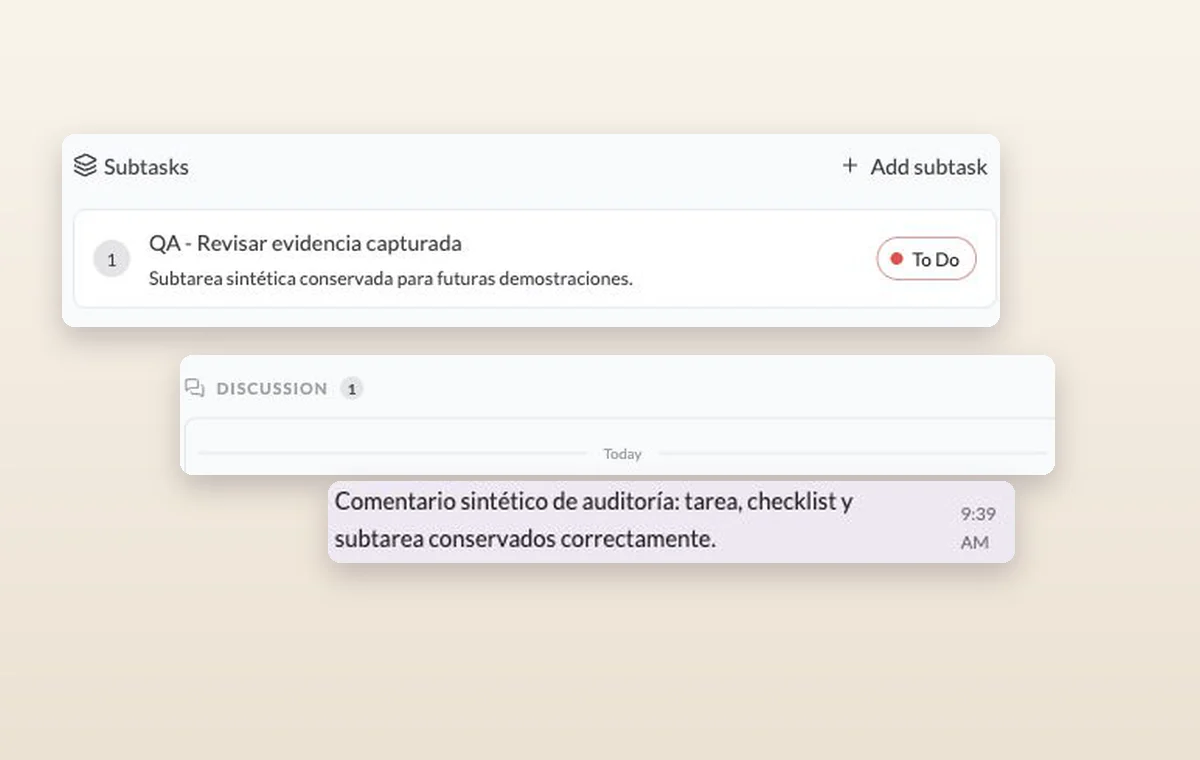
A subtask and an internal comment recorded in the discussion of its parent task.
Agencies
In day-to-day work
A home for each project
Name the project, describe the outcome and set its working days. The team can add its tasks there as the work takes shape.
A decision you can find again
Put a change request or decision in a task comment. The next person to open the task can read what was agreed before starting the revision.
The file that goes with the task
Keep source files in storage and attach the relevant one to the task. The person starting work can open it with the instructions.
Before you start
A few good questions.
How do we keep one client’s materials organized?
Use a dedicated project and a recognizable folder structure. Review workspace and project permissions when deciding who should have access.
What is a useful first project?
Pick one deliverable with a clear finish, such as a client onboarding or a campaign brief. It is easier to choose the right stages when you know the outcome.
With your permission, we use Google Analytics to see which pages people visit and whether they click the registration buttons. Google Ads measures visits from ads. With separate permission, Google Signals can associate this visit with a signed-in Google account for aggregate reports. With your permission, Microsoft Clarity may record clicks and scrolling to replay your visit.Cookie policy.