The campaign starts Monday. Will every piece be ready?
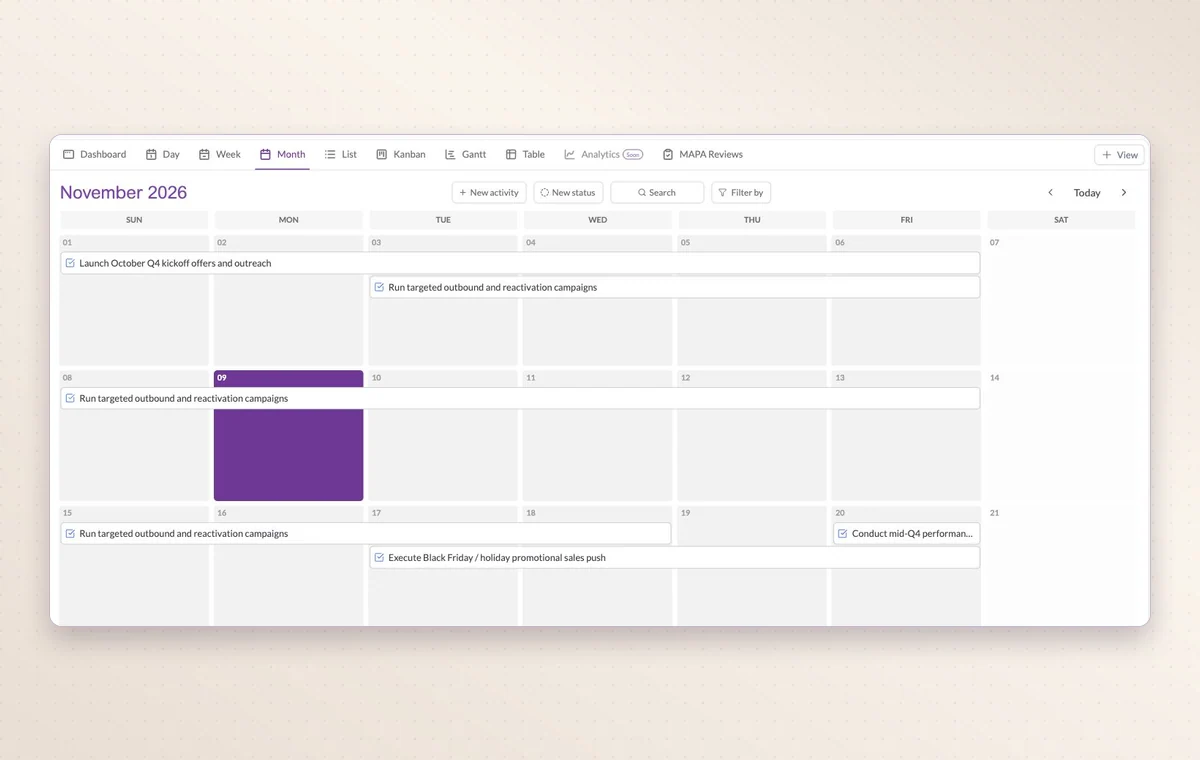
The ad is waiting on design and the email still needs a review. Give each asset an owner and a review date on the GGyess calendar so the launch team can see what’s due.
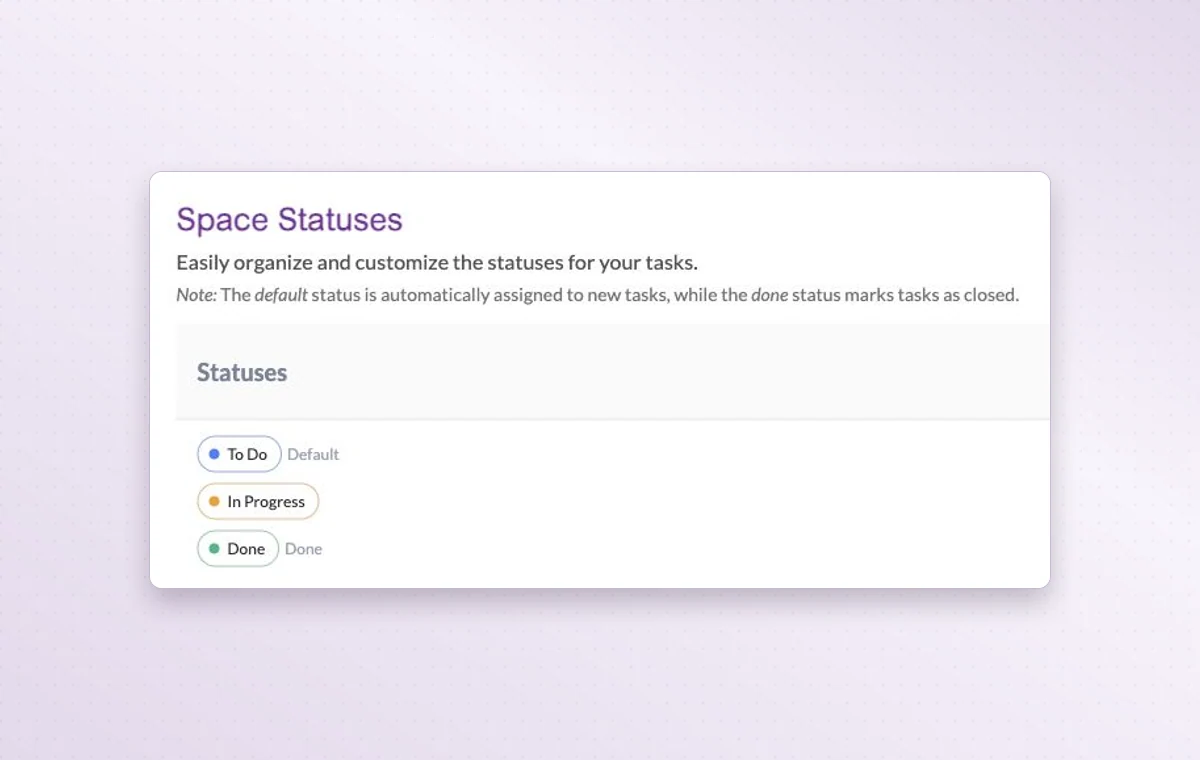
Space status settings show the defaults To Do, In Progress and Done.
Campaign launches
In day-to-day work
Make room for the next deadline
Look at one day, the week or the whole month to see which appointments already share the calendar with your deliveries.
The file that goes with the task
Keep source files in storage and attach the relevant one to the task. The person starting work can open it with the instructions.
Someone to turn to
Assign the people responsible for the task. If the plan changes, the team knows who to speak to and which assignments to revisit.
Before you start
A few good questions.
How can we track deliverables for several channels?
Use a separate task per deliverable and group or categorize them by channel. Keep the agreed message in the campaign brief.
Can I bring in an external calendar?
GGyess offers Google Calendar and Microsoft Calendar connections. Your account connection, selected spaces and sync settings determine what is included.
With your permission, we use Google Analytics to see which pages people visit and whether they click the registration buttons. Google Ads measures visits from ads. With separate permission, Google Signals can associate this visit with a signed-in Google account for aggregate reports. With your permission, Microsoft Clarity may record clicks and scrolling to replay your visit.Cookie policy.