GGyess / Solutions Their first day starts before they arrive. A new hire waits for access while their manager works out who was meant to arrange it. Organize onboarding tasks in GGyess and review permissions for the people involved in the process.
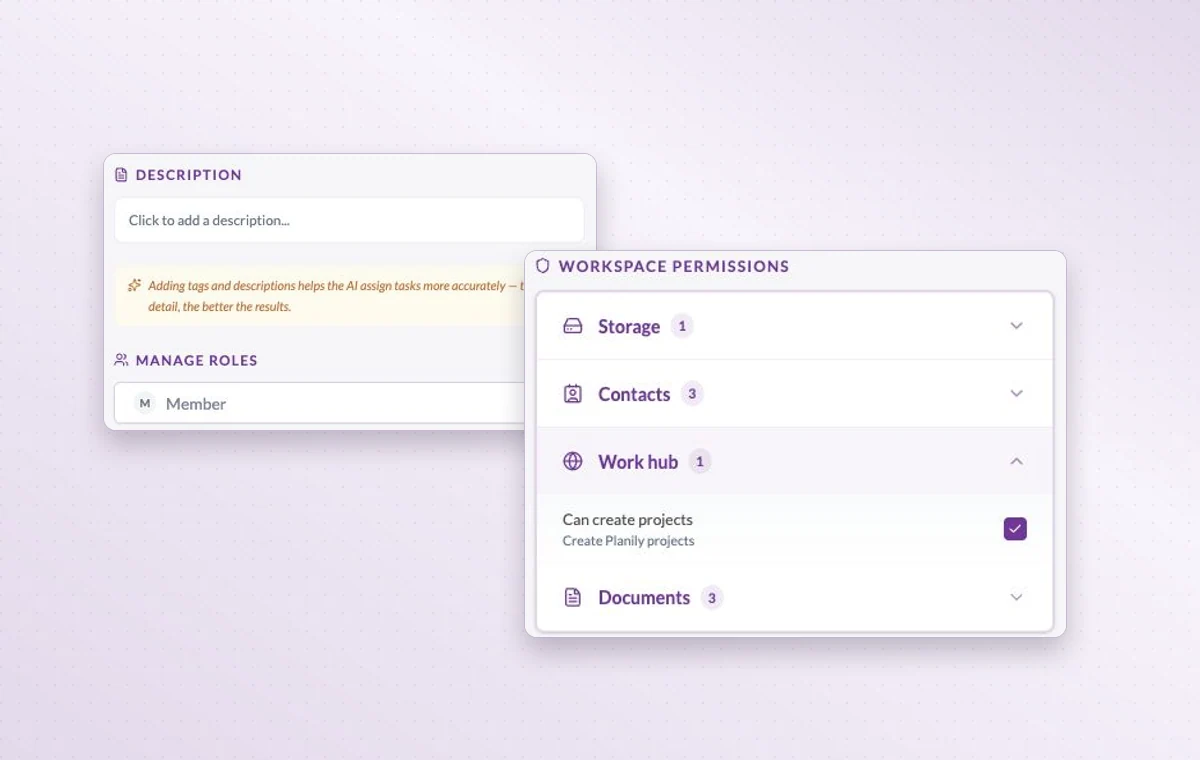
Workspace permissions let you review what each role can do in documents, contacts and other areas.
Coordinate interviews and first-week responsibilities 01 Set up a project with the people who should handle this process.
02 Assign interview or onboarding tasks with dates and instructions.
03 Schedule the check-in and update the next steps after it.
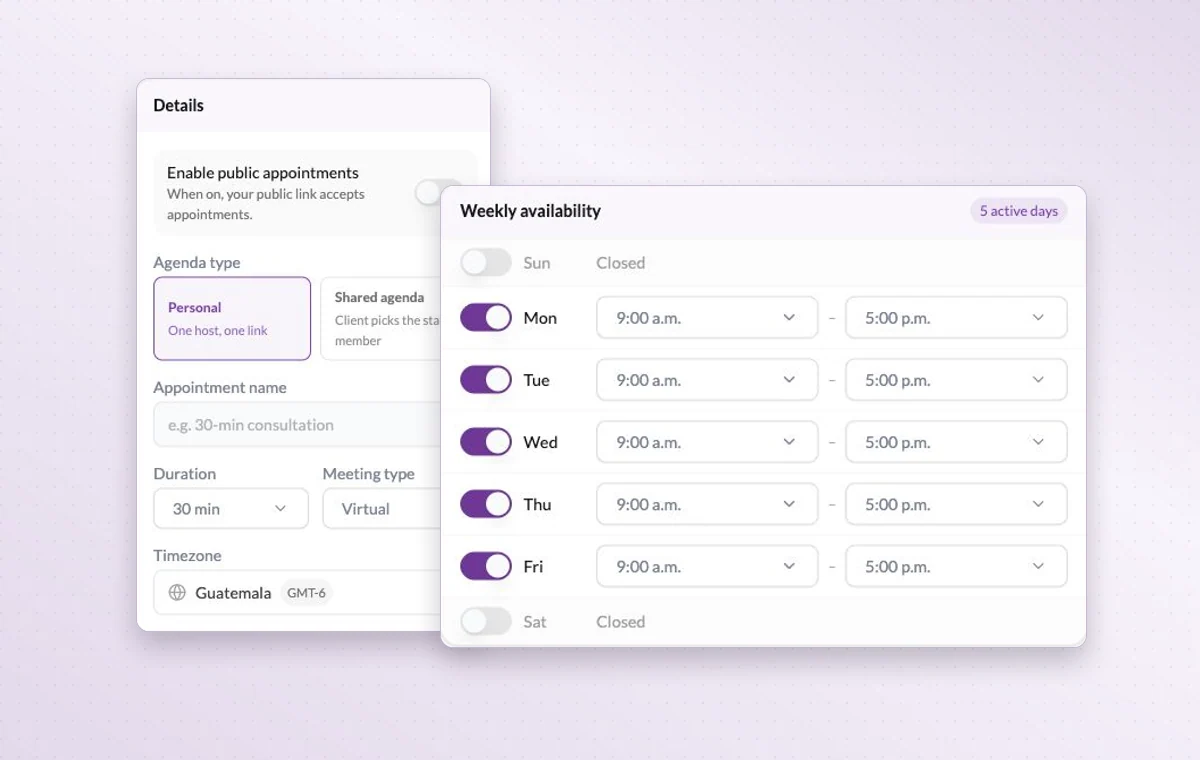
Appointment settings with personal and shared agendas and weekly availability.
In day-to-day work The right access for the job When someone joins, review their access to the workspace and project, including their permissions for tasks, documents and files.
Break down a larger task Put quick checks on the main task. If a piece of work needs its own status, make it a subtask so people can follow its progress.
A time set aside Set a date and duration and add the contacts taking part. You can find the appointment again on the calendar when planning the week.
A few good questions. Can we coordinate onboarding across HR, IT and a manager? Yes. Put the deliverables on the onboarding plan, assign each to the appropriate person and agree on access for the people involved.
Where do I check project-specific access? Open the member’s project permissions and inspect the relevant area, such as tasks, files or documents.
Have the essentials ready when someone joins. Start on the free plan. Invite your team when you’re ready.
Cookie settings × Strictly necessary Always on
The site remembers your choice for 180 days in this browser. You can browse every page with optional tools turned off.
Your browser is sending a Global Privacy Control signal. Optional tools stay off.
We remember your advertising opt-out in this browser for at least 12 months. You can change it here if you wish.
I confirm my new advertising choice Français (Québec) Português (Brasil) Privacy Cookie policy
Your browser could not save this choice. Optional tools stay off.
We could not confirm this choice. Optional tools are off. You can try again or continue browsing.
Reject all Save preferences