GGyess
Creative teams

Make the next review move the work forward.

One edit came by email, another in conversation. The design comes back with the same unanswered question. Bring the draft and feedback together in GGyess so the person editing knows what needs to change.

Inside GGyessEnlarge screenshot
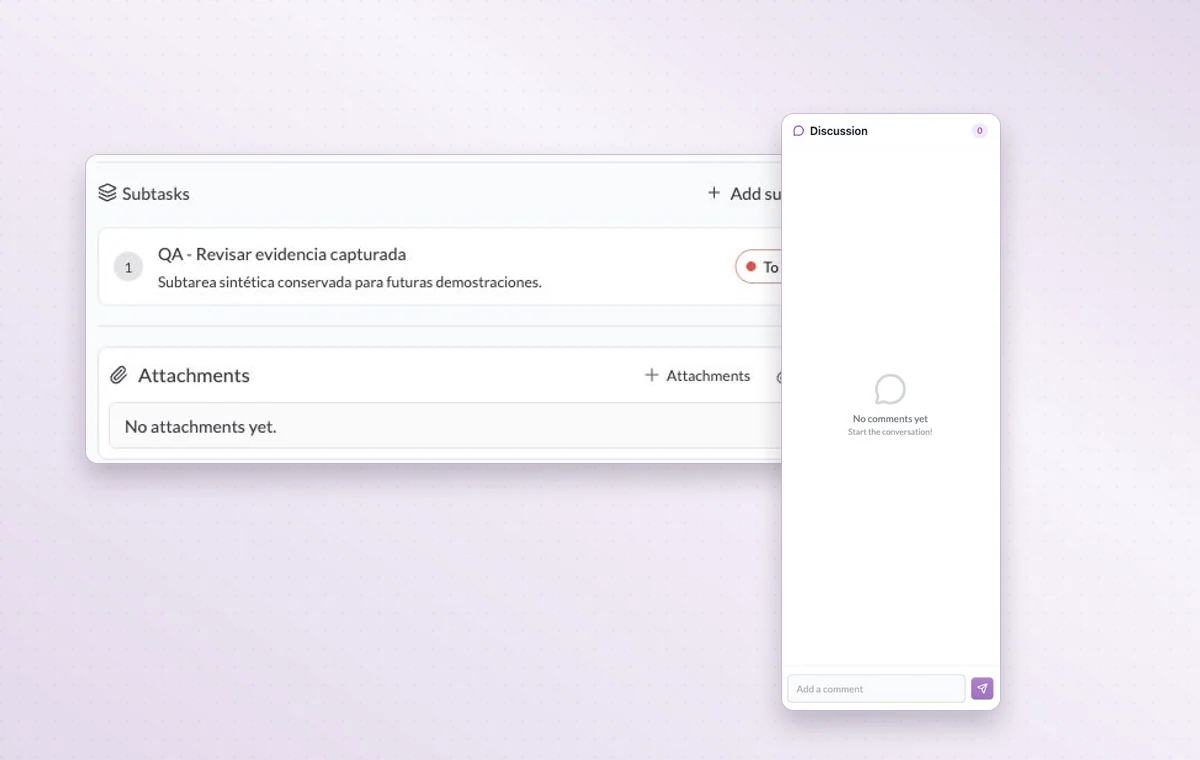
A task’s subtasks and attachments beside a document discussion panel.
Attach the draft to its task and use the document discussion to talk through changes.
Step by step

Take one piece from the creative brief to the final file

  1. Describe who the piece is for, its format and what the reviewer needs to check.

  2. Attach the draft to a review task with a named reviewer.

  3. Record revisions and store the agreed final file in the delivery folder.

Inside GGyessEnlarge screenshot
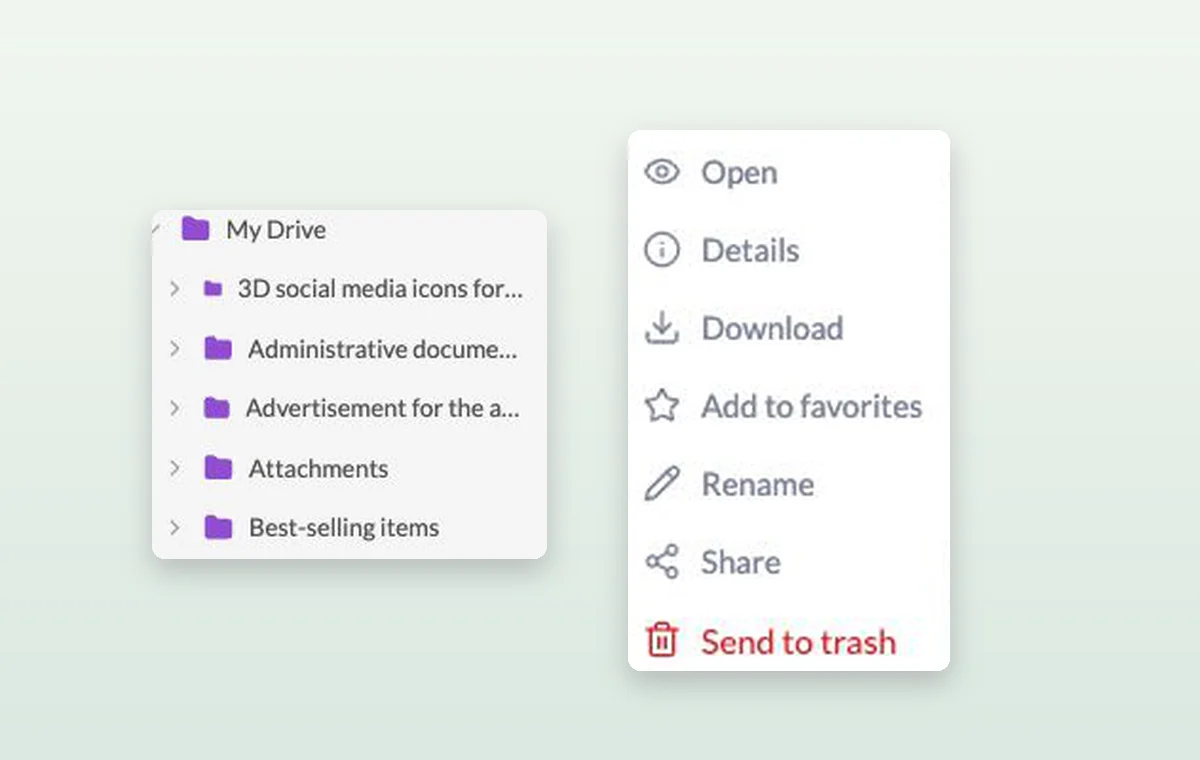
The folder tree and file menu with options to open, rename, share or download a file.
Creative teams

In day-to-day work

The agreement in writing

Draft the wording in a text document. Use a page with blocks for a brief that brings instructions, decisions and deliverables together.

The file that goes with the task

Keep source files in storage and attach the relevant one to the task. The person starting work can open it with the instructions.

A decision you can find again

Put a change request or decision in a task comment. The next person to open the task can read what was agreed before starting the revision.

Before you start

A few good questions.

How do we keep feedback on different assets separate?

Create a task for each piece. Attach its draft and record the requested edits in the comments on that task.

Can I do calculations in a document?

Choose a Sheet document for cells and formulas such as SUM. Use Text or Page for narrative material.

GGyess WorkSuite

Go back to the design with a clear direction.

Start on the free plan. Invite your team when you’re ready.

GGyess screenshot