Every client is counting on you for something different.
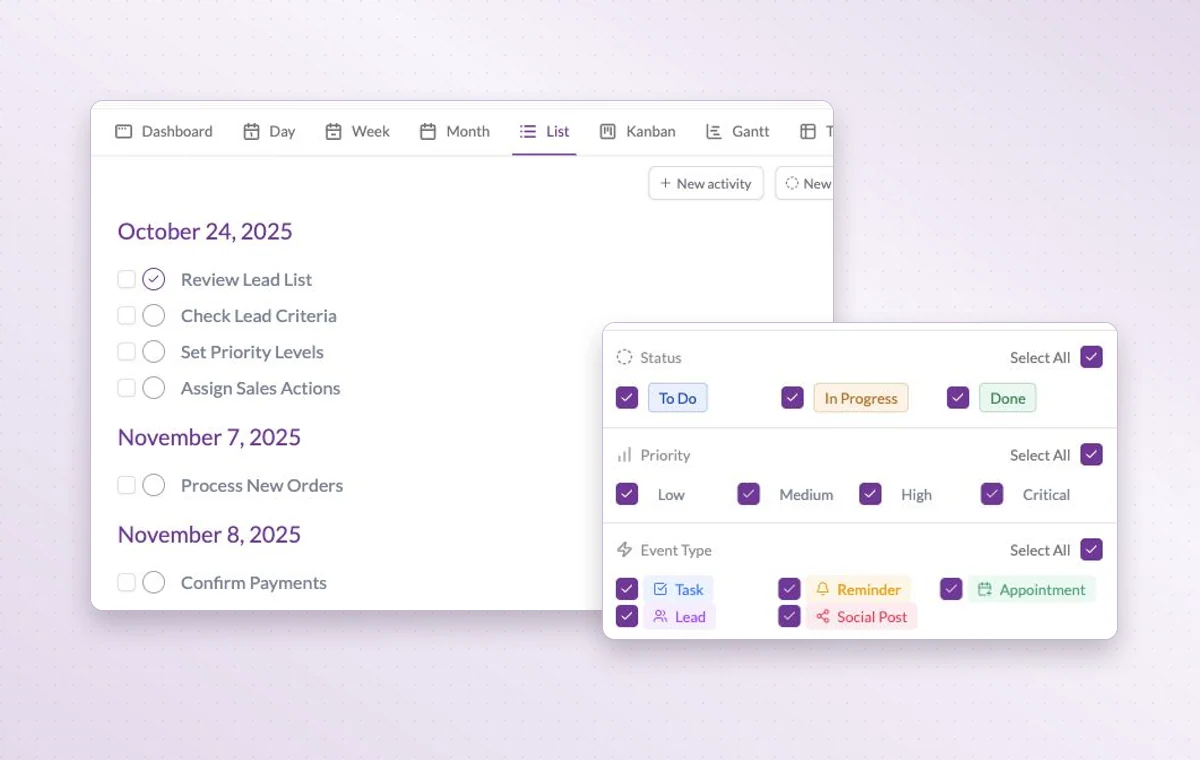
One client is expecting a proposal. Another needs the final files. Give each commitment a date and its materials in GGyess so you can plan the week without rereading every conversation.
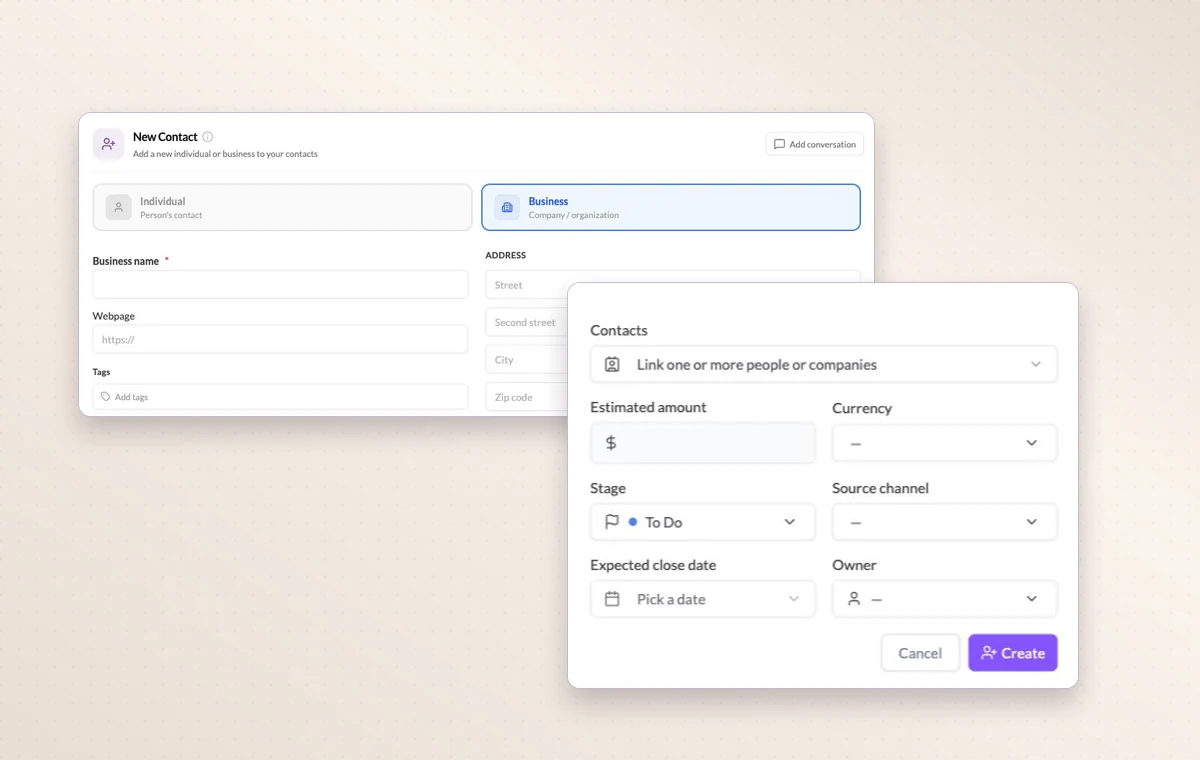
Company contact fields alongside the value, stage and expected close date of a new lead.
Freelancers and microbusinesses
In day-to-day work
The person behind the account
Link a contact to their company and record what matters in the notes. A teammate can take the next call knowing who they’re speaking with.
A start and a deadline
Set both dates on the task. The person doing the work can plan a start and the person waiting for it knows when it’s due.
Time spent on the task
Start the personal timer when you begin working. Pause it for an interruption and resume it when you return to the task.
Before you start
A few good questions.
Can I track time on a client deliverable?
Yes. Start the personal timer when you begin, pause it for breaks and resume when you return. You can refer to the recorded time when reviewing the work.
What belongs in My Agenda?
Use it for personal work such as preparing notes or following up. Put a shared deliverable in the relevant project where its team can coordinate it.
With your permission, we use Google Analytics to see which pages people visit and whether they click the registration buttons. Google Ads measures visits from ads. With separate permission, Google Signals can associate this visit with a signed-in Google account for aggregate reports. With your permission, Microsoft Clarity may record clicks and scrolling to replay your visit.Cookie policy.