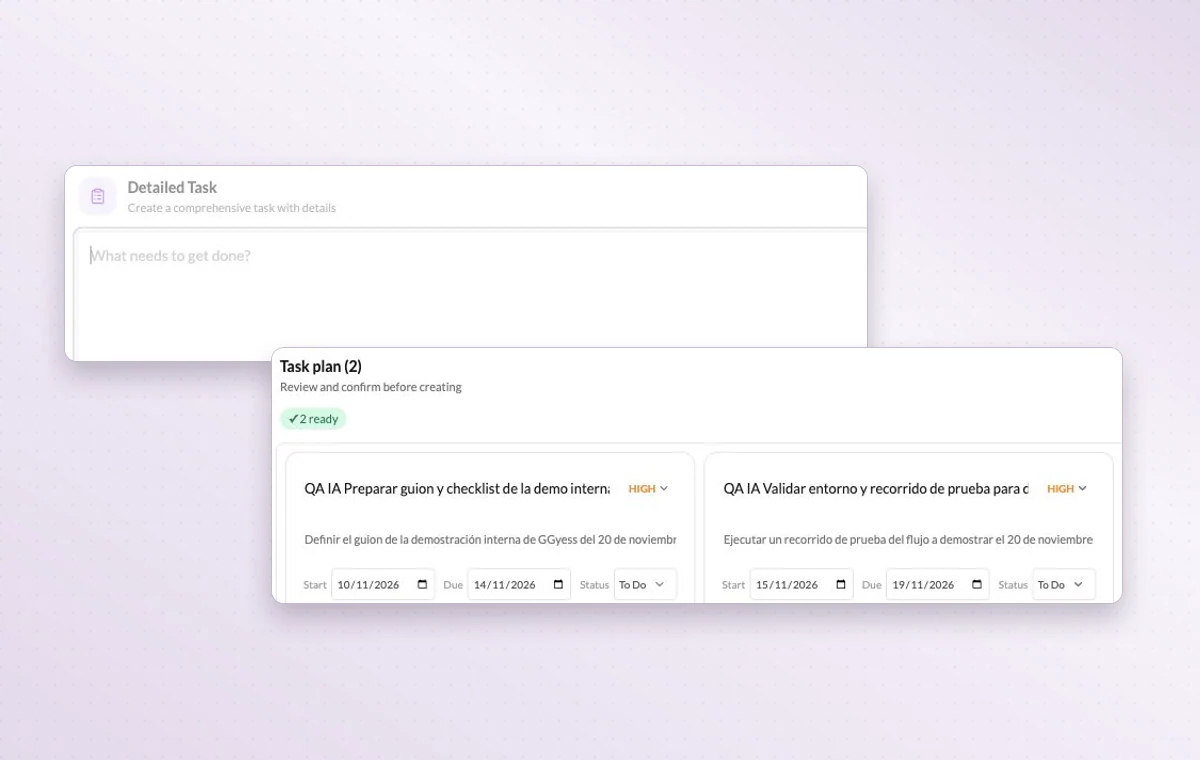
Describe the deliverable to the GGyess AI assistant and review its suggested tasks. You decide which ones belong in the project and which need more thought. Availability depends on your plan.
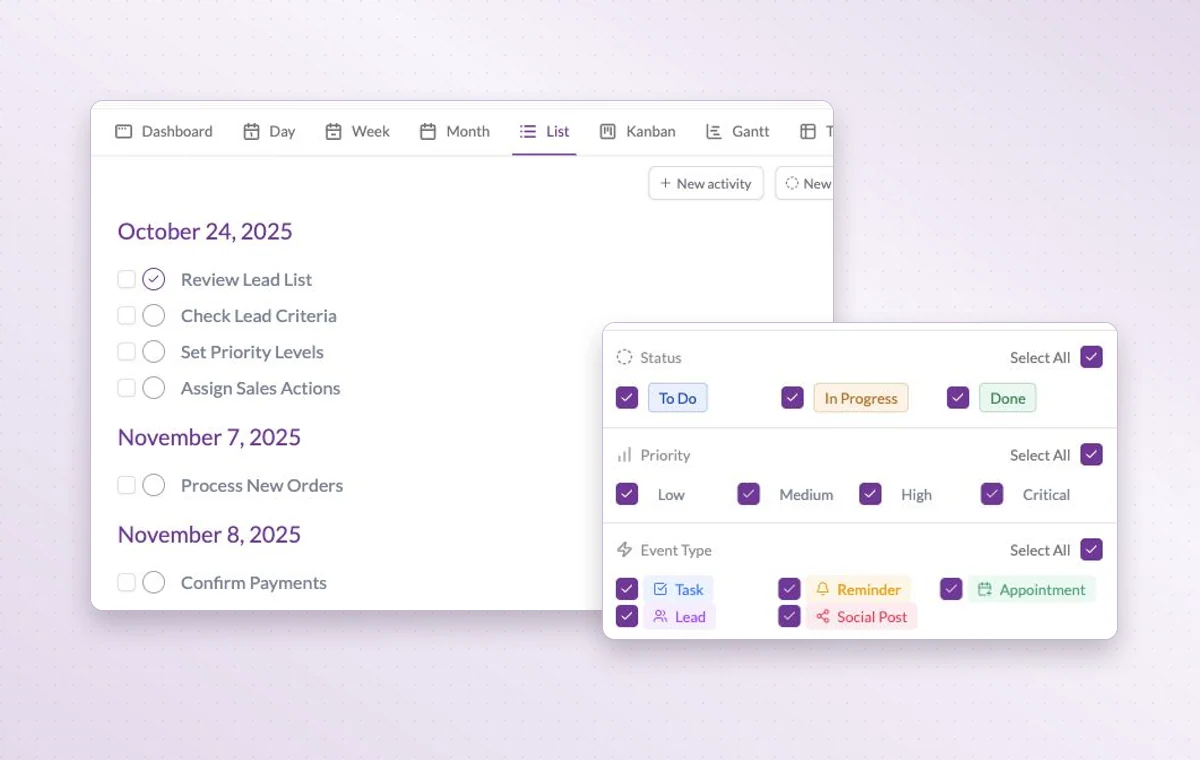
The task list with filters for status, priority and activity type.
AI-assisted workflows
In day-to-day work
A first draft of the task list
Describe the work to the AI assistant in your project. Review its proposed tasks and adjust the details before creating them. Available on paid plans.
Tell the assistant what you need
Include the project, who the work is for and the result you need. A request for a client presentation gives the assistant a different starting point than a note for the team.
Break down a larger task
Put quick checks on the main task. If a piece of work needs its own status, make it a subtask so people can follow its progress.
Before you start
A few good questions.
Do I get to review the tasks before they’re created?
Yes. Whether you start with instructions or import a spreadsheet, you can review the suggested tasks and confirm what gets created. AI availability depends on your plan.
Can I start with existing spreadsheet rows?
The assistant has an Excel/CSV import flow with a preview before creation. Check the proposed mapping, owners and dates before confirming.
With your permission, we use Google Analytics to see which pages people visit and whether they click the registration buttons. Google Ads measures visits from ads. With separate permission, Google Signals can associate this visit with a signed-in Google account for aggregate reports. With your permission, Microsoft Clarity may record clicks and scrolling to replay your visit.Cookie policy.