
Sketch the sequence
Draw the steps as shapes in a diagram and label them. Walk through the sequence with the team before you assign the work.
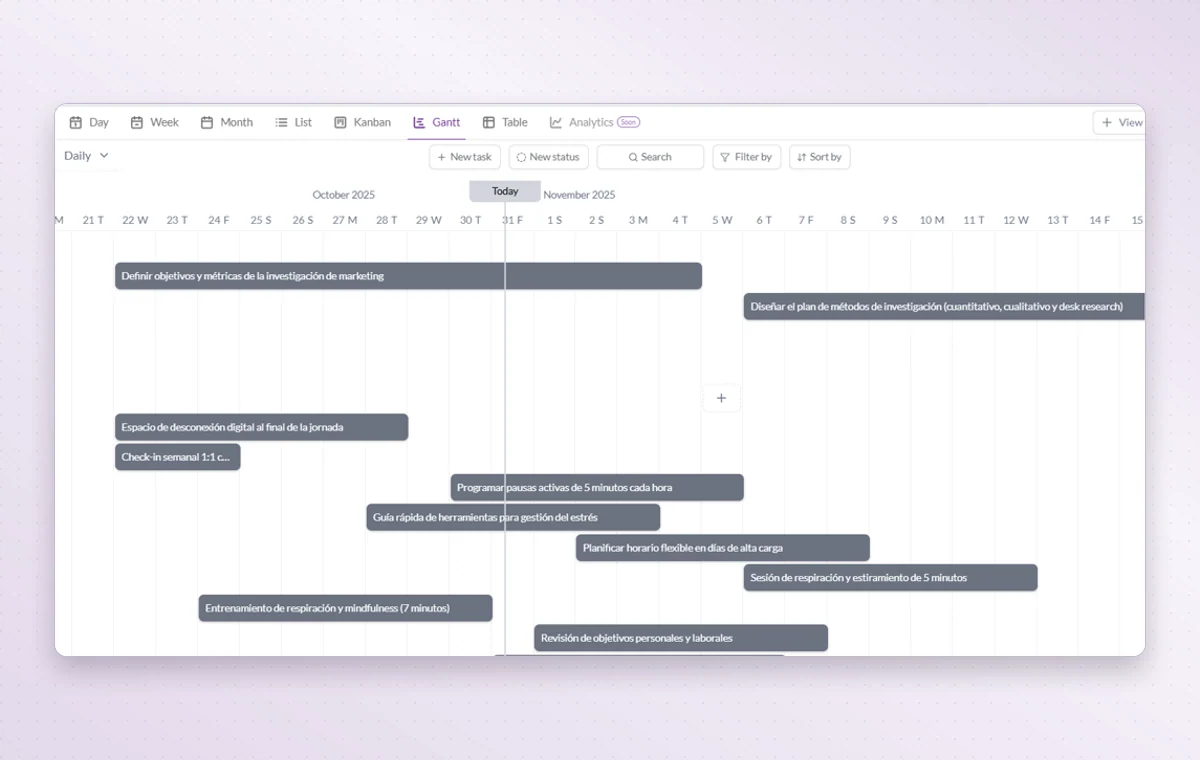
Both dates looked reasonable until you saw them together. Plot the work in GGyess’s Gantt view, find the overlap and move a task before you promise a date the team can’t make.
Sketch the stages, including where the work passes from one person to another.
Create a task for each agreed deliverable with a start and due date.
Check for overlapping dates in Gantt, then open Kanban to see which stage each task has reached.
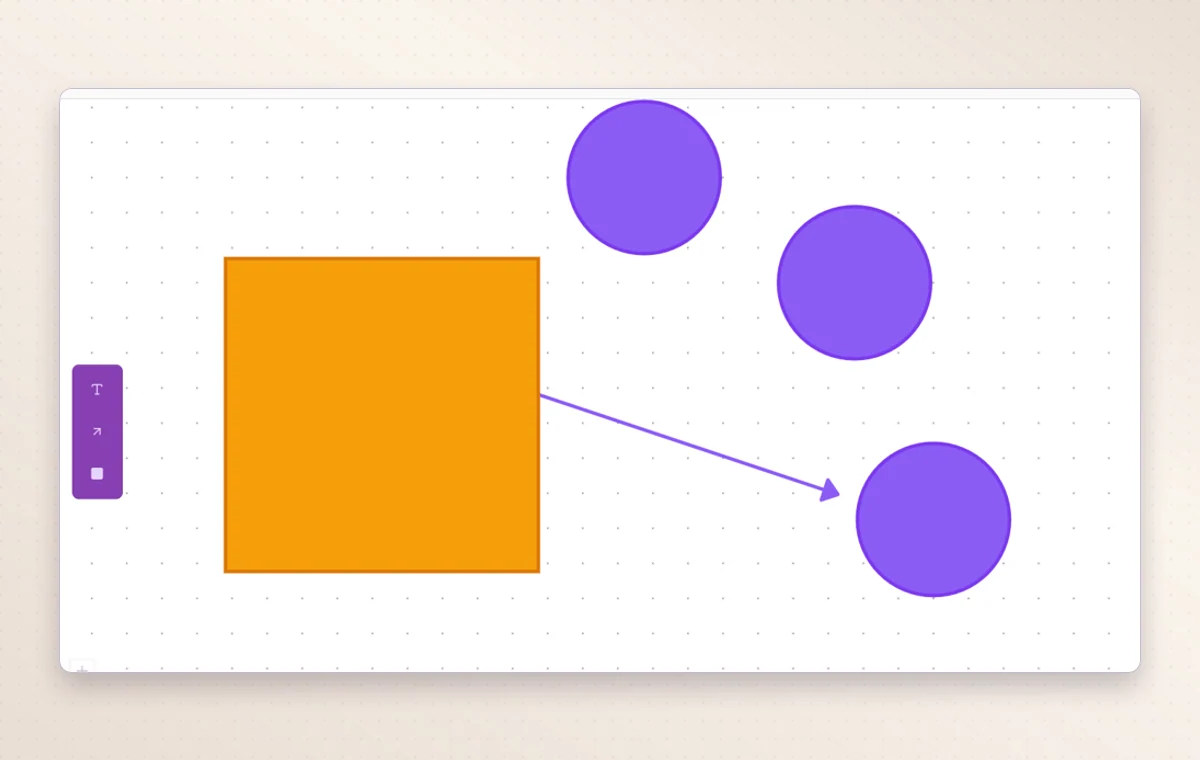
Draw the steps as shapes in a diagram and label them. Walk through the sequence with the team before you assign the work.
Each Kanban column groups work at the same stage. If several tasks are waiting for review, you can see them together.
Gantt lays out activities along a timeline. Look for overlapping dates before you promise the team another delivery.
Start with a diagram to agree on the sequence. Use Gantt for timing and Kanban to review the work currently in each stage.
Meaningful start and due dates give each activity a time span that you can compare with nearby work.
Start on the free plan. Invite your team when you’re ready.