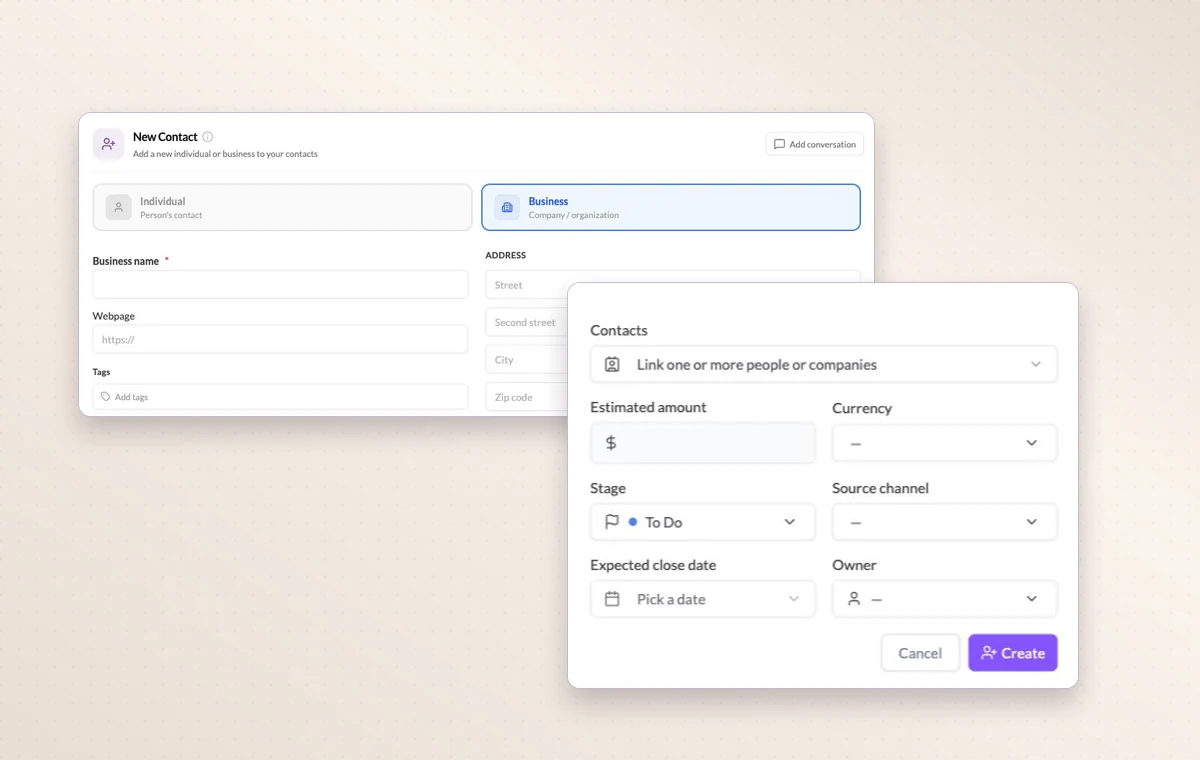
The client calls back and the estimate is somewhere in your inbox. Record the company, amount and opportunity stage in GGyess so you can return to the conversation with the details in front of you.
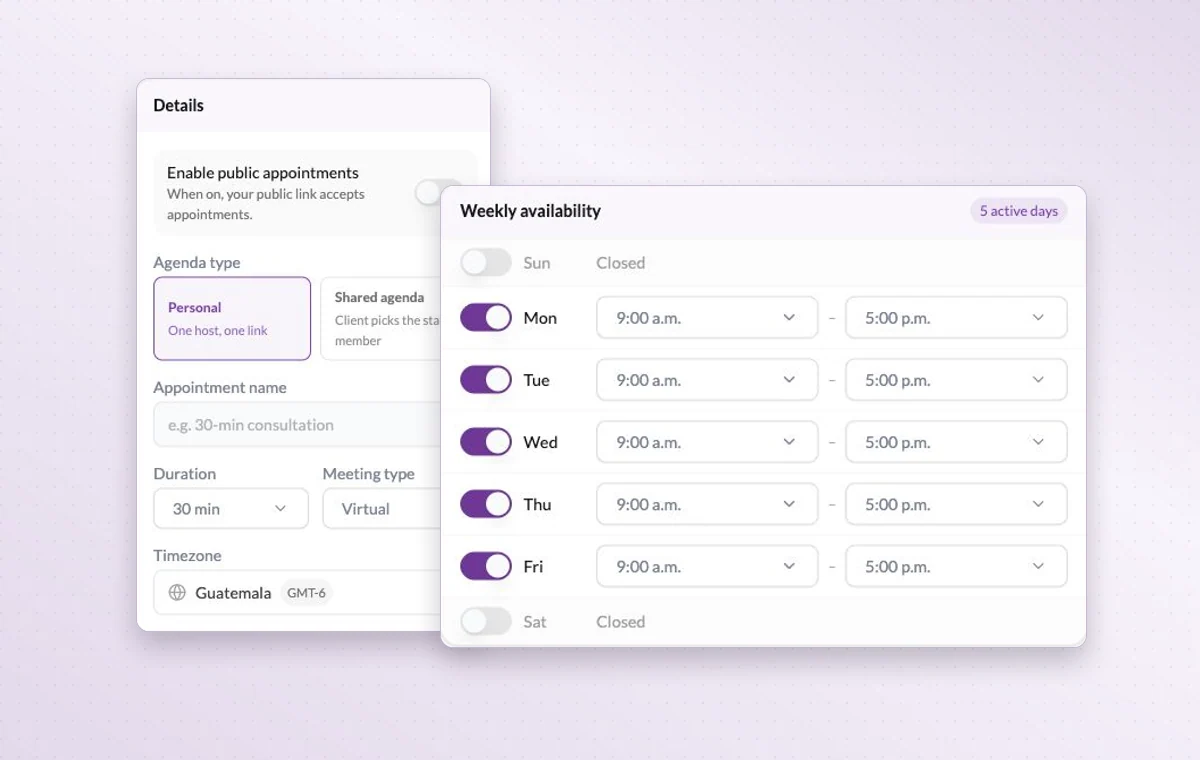
Appointment settings with personal and shared agendas and weekly availability.
Lightweight visual CRM
In day-to-day work
The person behind the account
Link a contact to their company and record what matters in the notes. A teammate can take the next call knowing who they’re speaking with.
Know where a deal stands
Record the contact, estimated value and stage of each opportunity. The next follow-up starts with a clear picture of the deal.
A time set aside
Set a date and duration and add the contacts taking part. You can find the appointment again on the calendar when planning the week.
Before you start
A few good questions.
What does the estimated value represent?
It’s the amount you expect if the sale goes through. Update it as the deal develops and handle invoicing in your financial system.
Can I bring in an external calendar?
GGyess offers Google Calendar and Microsoft Calendar connections. Your account connection, selected spaces and sync settings determine what is included.
With your permission, we use Google Analytics to see which pages people visit and whether they click the registration buttons. Google Ads measures visits from ads. With separate permission, Google Signals can associate this visit with a signed-in Google account for aggregate reports. With your permission, Microsoft Clarity may record clicks and scrolling to replay your visit.Cookie policy.