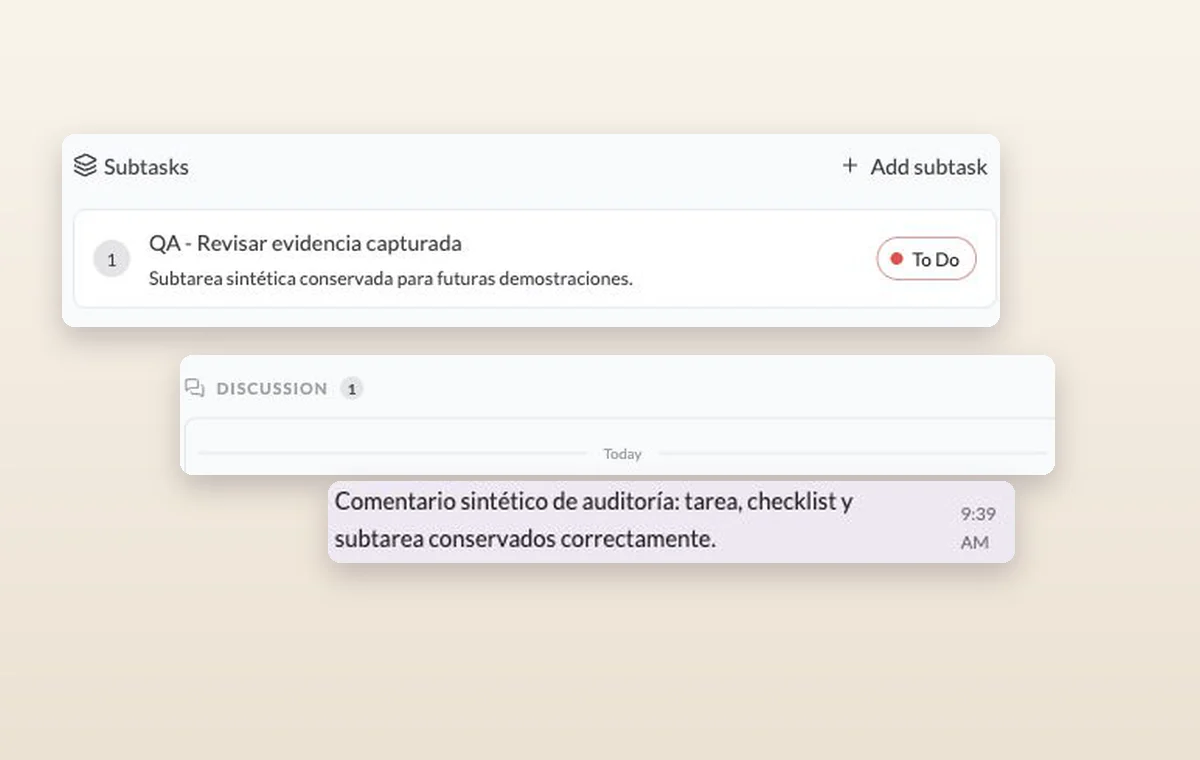
A publishing date won’t tell you who’s writing the piece. Assign an author in GGyess, schedule the edit and keep the draft on its task so the editor knows where to look.
A subtask and an internal comment recorded in the discussion of its parent task.
Editorial content management
In day-to-day work
Make room for the next deadline
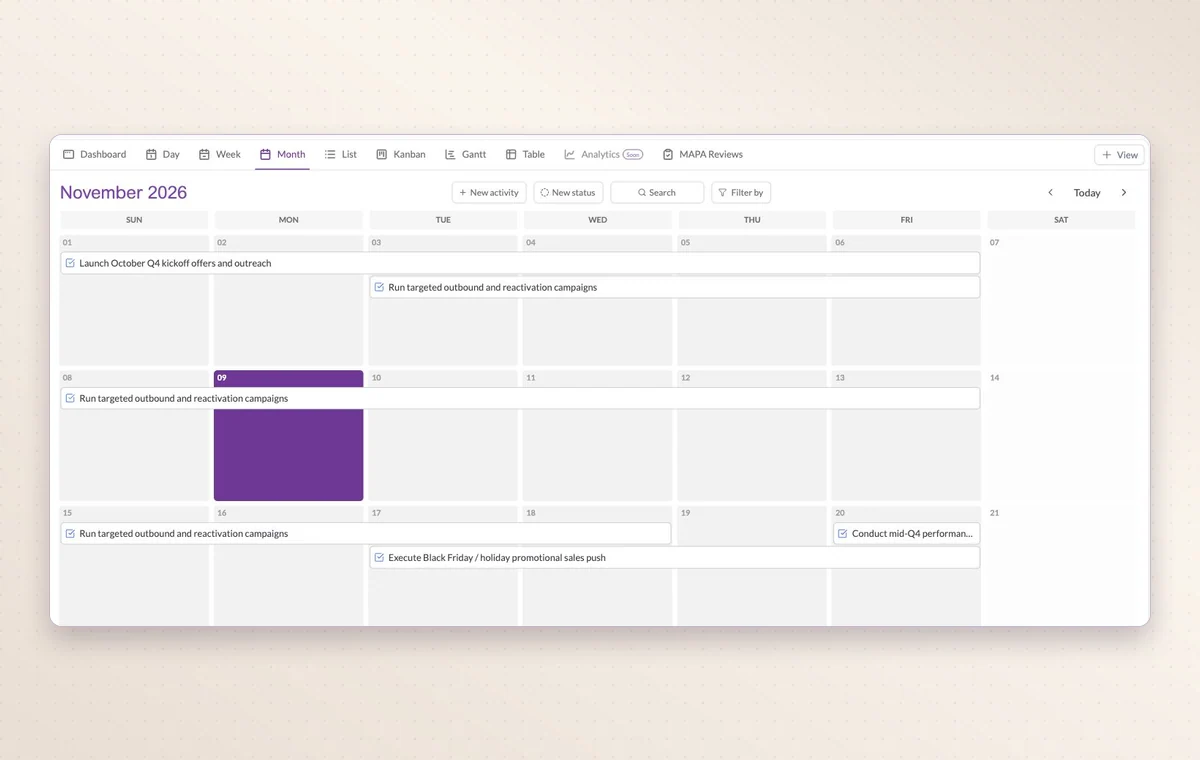
Look at one day, the week or the whole month to see which appointments already share the calendar with your deliveries.
The stages your team uses
Use project statuses that match the handoff. For example, “In review” tells the team a draft is ready for someone to read.
The agreement in writing
Draft the wording in a text document. Use a page with blocks for a brief that brings instructions, decisions and deliverables together.
Before you start
A few good questions.
How can an editor see what is ready for review?
Create an In review stage and open the Kanban board or filter by that status. Keep the latest draft attached or referenced on the task.
Can I bring in an external calendar?
GGyess offers Google Calendar and Microsoft Calendar connections. Your account connection, selected spaces and sync settings determine what is included.
With your permission, we use Google Analytics to see which pages people visit and whether they click the registration buttons. Google Ads measures visits from ads. With separate permission, Google Signals can associate this visit with a signed-in Google account for aggregate reports. With your permission, Microsoft Clarity may record clicks and scrolling to replay your visit.Cookie policy.