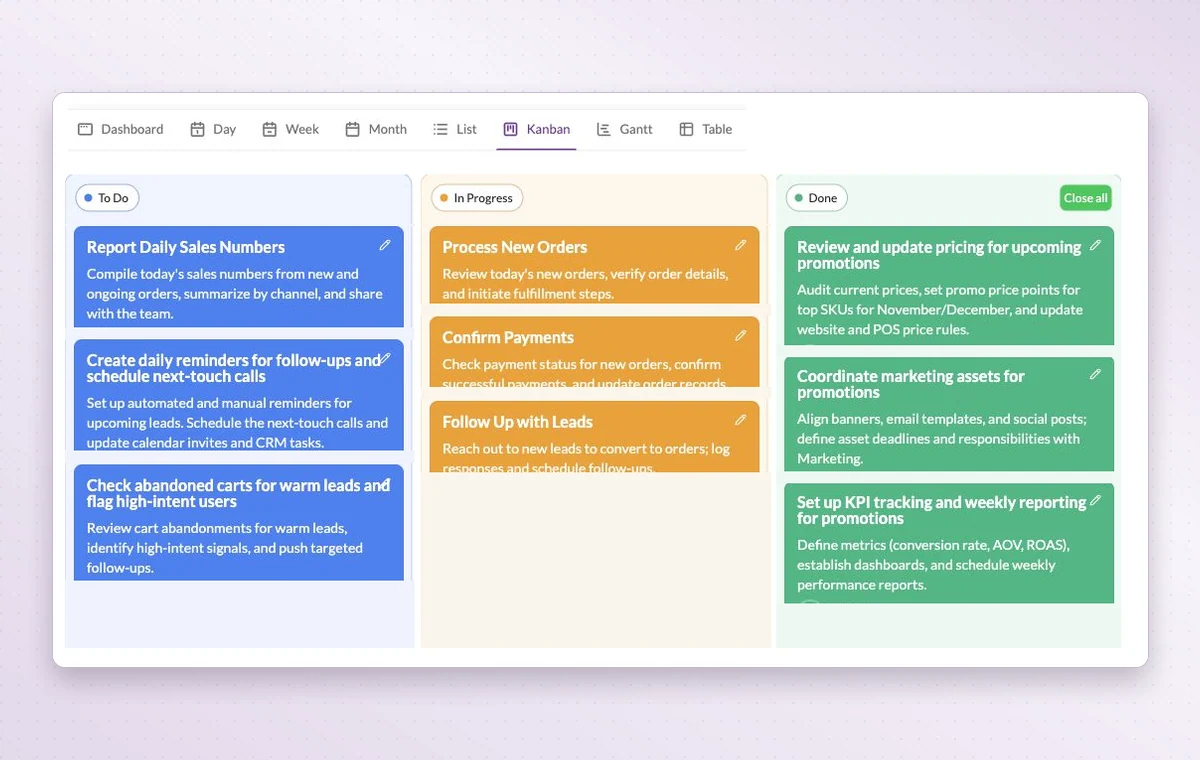
If everyone has a different answer, you spend the afternoon asking for updates. Open the project board in GGyess to see what’s finished, who’s still working and where someone needs a decision.
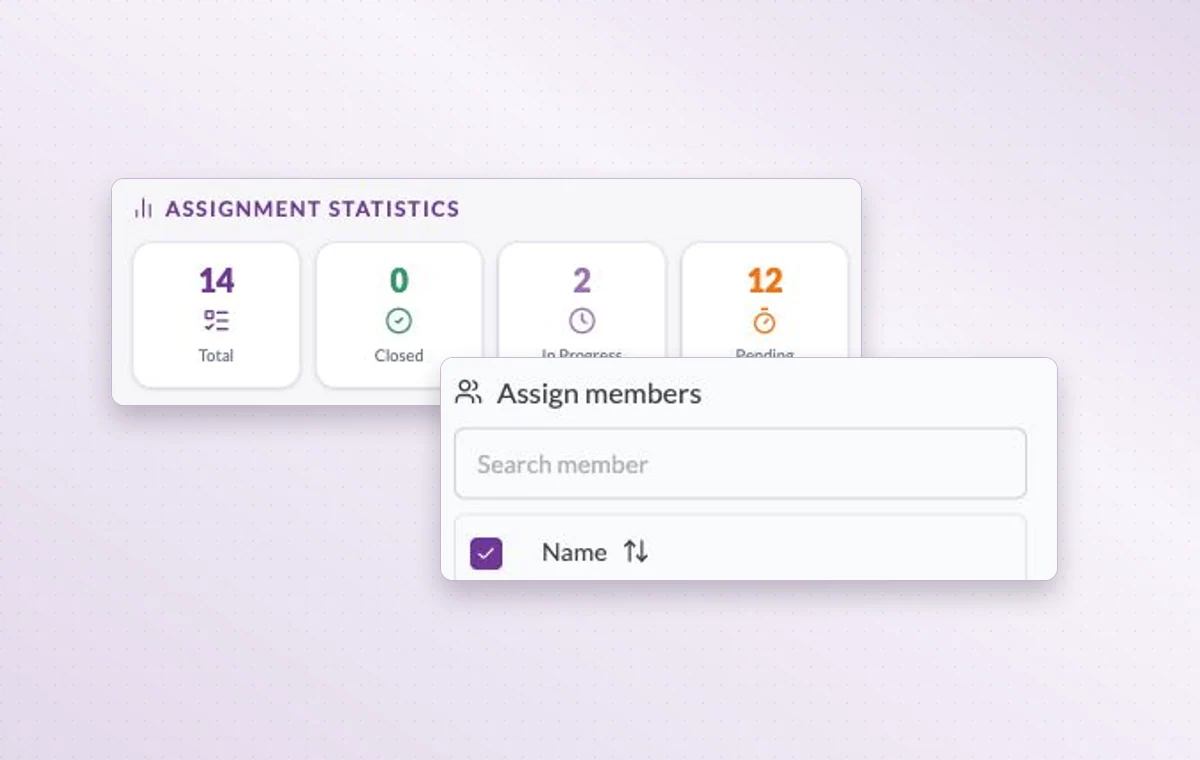
Member assignment statistics and the member search on a task.
Project management
In day-to-day work
A home for each project
Name the project, describe the outcome and set its working days. The team can add its tasks there as the work takes shape.
Someone to turn to
Assign the people responsible for the task. If the plan changes, the team knows who to speak to and which assignments to revisit.
Break down a larger task
Put quick checks on the main task. If a piece of work needs its own status, make it a subtask so people can follow its progress.
Before you start
A few good questions.
Can I bring in a plan from a spreadsheet?
The AI assistant offers Excel/CSV task import with a preview. Check access in your plan and review the proposed tasks before confirming.
What is a useful first project?
Pick one deliverable with a clear finish, such as a client onboarding or a campaign brief. It is easier to choose the right stages when you know the outcome.
With your permission, we use Google Analytics to see which pages people visit and whether they click the registration buttons. Google Ads measures visits from ads. With separate permission, Google Signals can associate this visit with a signed-in Google account for aggregate reports. With your permission, Microsoft Clarity may record clicks and scrolling to replay your visit.Cookie policy.