GGyess / Features Start the day with the work that’s yours. Reading everyone’s tasks just to find your own takes time. Filter by assignee and date, then sort by priority to bring the work that needs your attention to the top.
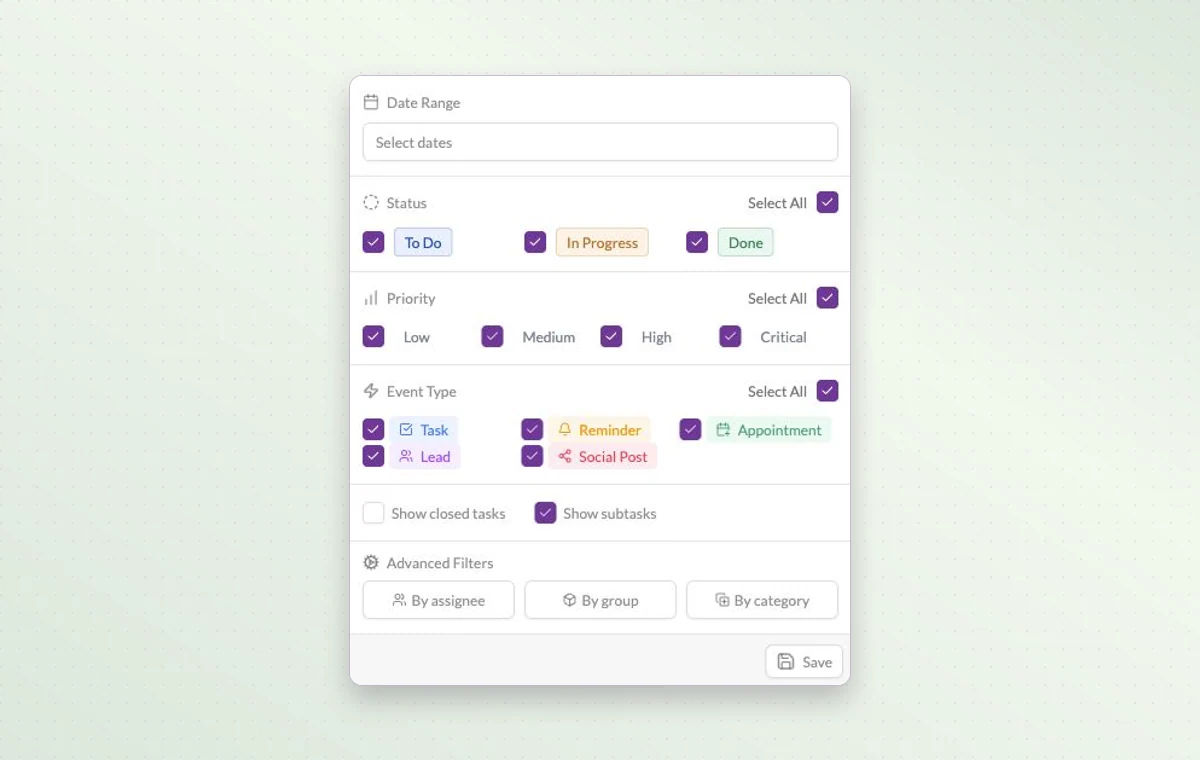
Combine date, status and priority filters here, or open the assignee filter to narrow the view further.
Bring the work that matters into view 01 Filter the project to the dates or owners you want to see.
02 Sort the list by due date to see the next deadline first.
03 Choose a theme and set a reminder on a task you want to revisit.
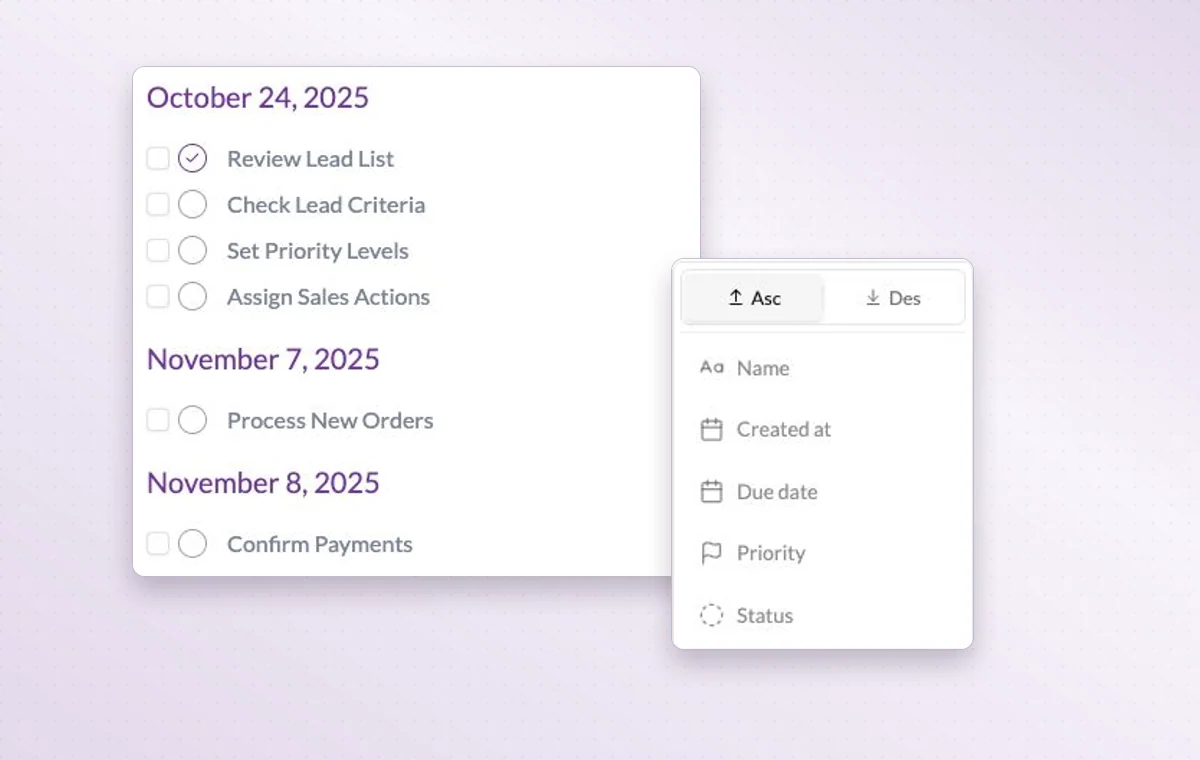
A task list alongside the sorting options for name, creation date, deadline, priority and status.
In day-to-day work Answer a specific question Need to know what’s still open this week? Narrow the view by date and status, then add a priority or assignee if you need a shorter list.
Put the next deadline first Sort by due date when time matters, by priority or status for a review, or by name and creation date when looking for a particular item.
Give urgent work a place Use the four levels from Low to Critical. Filter by priority when the team needs to decide which deadline to tackle first.
A few good questions. Does filtering a list remove tasks? A filter changes the items in view. Clear it to see the project’s broader activity list again.
Can I look at tasks separately from appointments? Yes. The event type filter lets you select tasks, appointments, reminders and other activity types.
Put today’s work where you can see it. Start on the free plan. Invite your team when you’re ready.
Cookie settings × Strictly necessary Always on
The site remembers your choice for 180 days in this browser. You can browse every page with optional tools turned off.
Your browser is sending a Global Privacy Control signal. Optional tools stay off.
We remember your advertising opt-out in this browser for at least 12 months. You can change it here if you wish.
I confirm my new advertising choice Français (Québec) Português (Brasil) Privacy Cookie policy
Your browser could not save this choice. Optional tools stay off.
We could not confirm this choice. Optional tools are off. You can try again or continue browsing.
Reject all Save preferences