GGyess
Objective planning and OKRs

The tasks are done. Did the result change?

A completed checklist can leave the hardest question unanswered. Record the target and current result in a GGyess sheet. Compare them at each review and decide which action is worth taking next.

Inside GGyessEnlarge screenshot
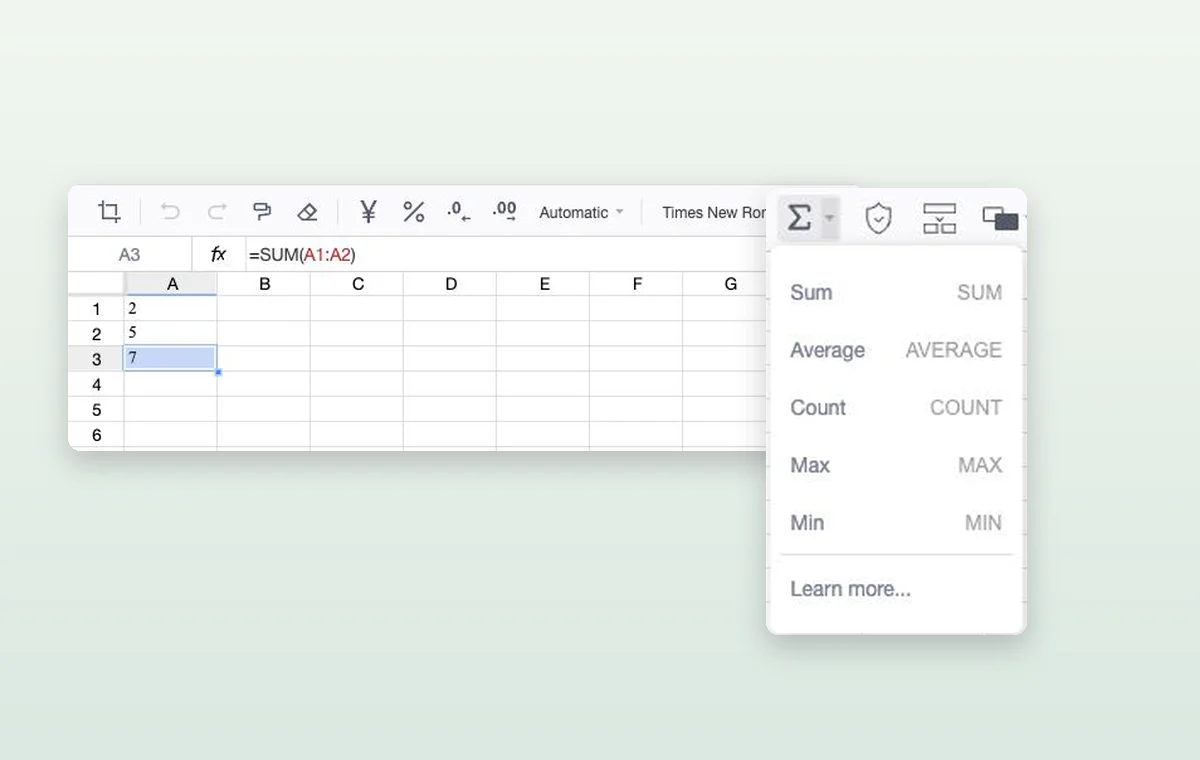
A formula adds two values in a GGyess spreadsheet. The function menu includes sum, average and count.
Use a sheet like this to put the target beside the current result and calculate your measures with formulas.
Step by step

Connect a quarterly objective to this week’s work

  1. Write the objective and measurable targets in a page or sheet.

  2. Create project tasks for initiatives that support each result.

  3. At check-in, update the actual value and agree on the next action.

Inside GGyessEnlarge screenshot
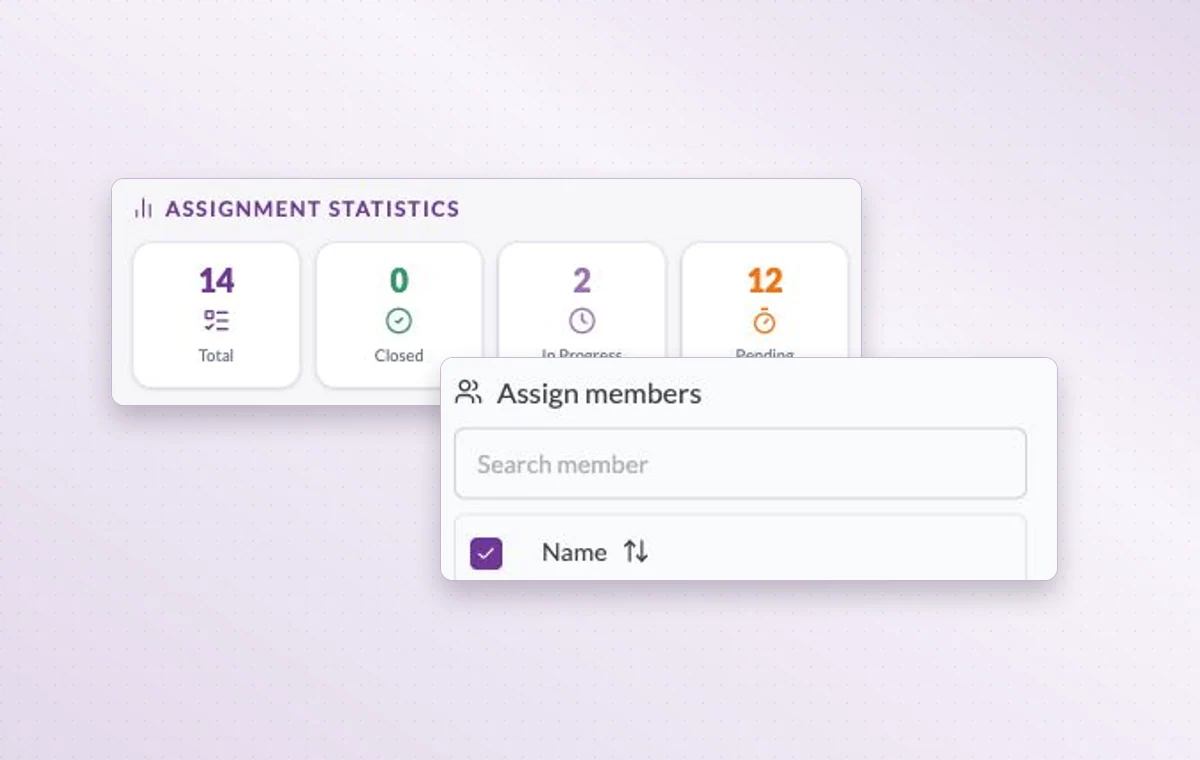
Member assignment statistics and the member search on a task.
Objective planning and OKRs

In day-to-day work

Keep the figures close

Keep expected amounts, assumptions and totals in a spreadsheet. When a figure comes up in a review, the team can return to the same numbers.

Someone to turn to

Assign the people responsible for the task. If the plan changes, the team knows who to speak to and which assignments to revisit.

A start and a deadline

Set both dates on the task. The person doing the work can plan a start and the person waiting for it knows when it’s due.

Before you start

A few good questions.

How is key-result progress updated?

The owner records the latest measurement during the review. Progress on the underlying tasks gives context for that measurement.

Can I do calculations in a document?

Choose a Sheet document for cells and formulas such as SUM. Use Text or Page for narrative material.

GGyess WorkSuite

Leave the review with a decision about the goal.

Start on the free plan. Invite your team when you’re ready.

GGyess screenshot