GGyess
Team and client onboarding

Make the first day easier to navigate.

For a new colleague or client, even finding the right link can mean asking for help. Build a GGyess welcome page with names, resources and first steps, then assign someone to guide each stage.

Inside GGyessEnlarge screenshot
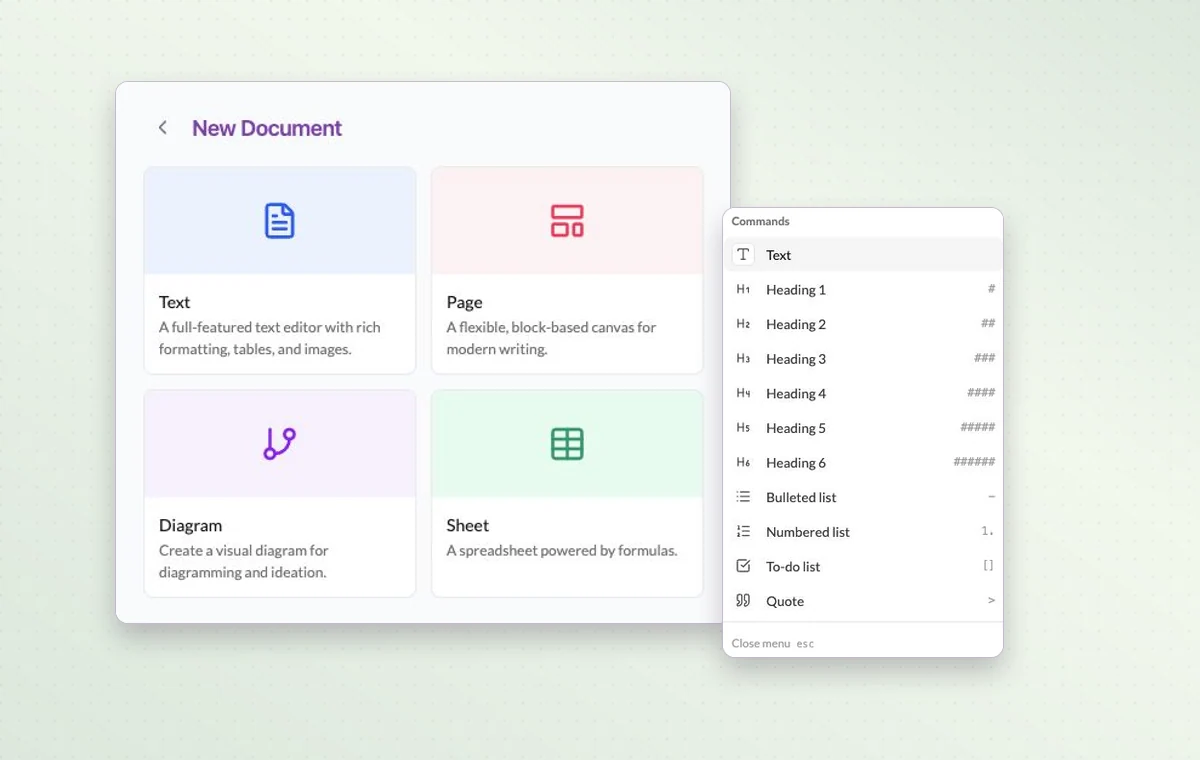
The four GGyess document types beside the block menu for a page.
Choose Page to collect welcome links and arrange the first steps under headings and lists.
Step by step

Give every new arrival a clear first week

  1. Prepare a welcome page covering people, resources and first milestones.

  2. Assign setup and introduction tasks with clear dates.

  3. Schedule a check-in to review completed steps and open questions.

Inside GGyessEnlarge screenshot
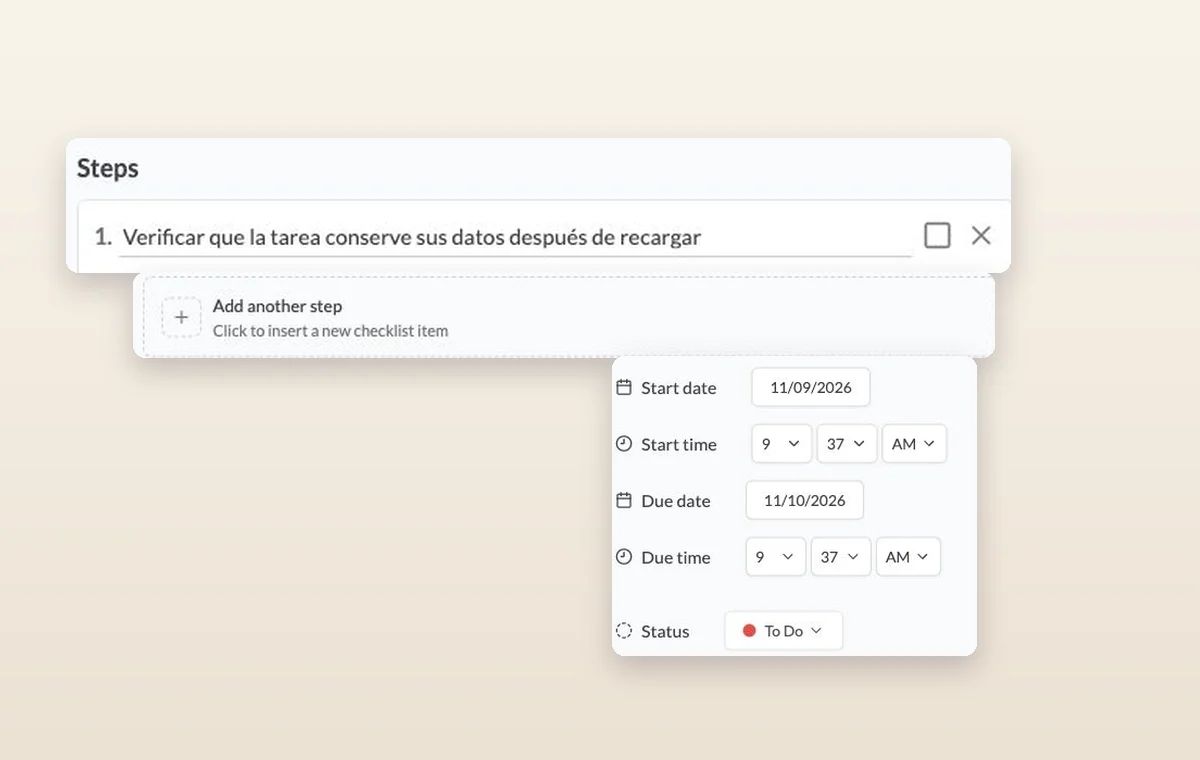
Steps on a task, the control for adding another step, and its start date, due date and status.
Team and client onboarding

In day-to-day work

Break down a larger task

Put quick checks on the main task. If a piece of work needs its own status, make it a subtask so people can follow its progress.

The agreement in writing

Draft the wording in a text document. Use a page with blocks for a brief that brings instructions, decisions and deliverables together.

A time set aside

Set a date and duration and add the contacts taking part. You can find the appointment again on the calendar when planning the week.

Before you start

A few good questions.

Can this work for a client as well as a new employee?

Yes. Change the milestones and materials for the audience, and review the access a client needs before inviting them.

Should I use a checklist or a subtask?

Use a checklist for small checks inside a task. Create a subtask when a piece of work needs its own status and detail.

GGyess WorkSuite

Give every newcomer a place to find their bearings.

Start on the free plan. Invite your team when you’re ready.

GGyess screenshot