
Tell the assistant what you need
Include the project, who the work is for and the result you need. A request for a client presentation gives the assistant a different starting point than a note for the team.
The decisions are there, somewhere between the half-finished sentences. Tell the assistant what was agreed, who’s reading and what format you need. Review the draft before you share it.
AI tools vary by plan. Compare plans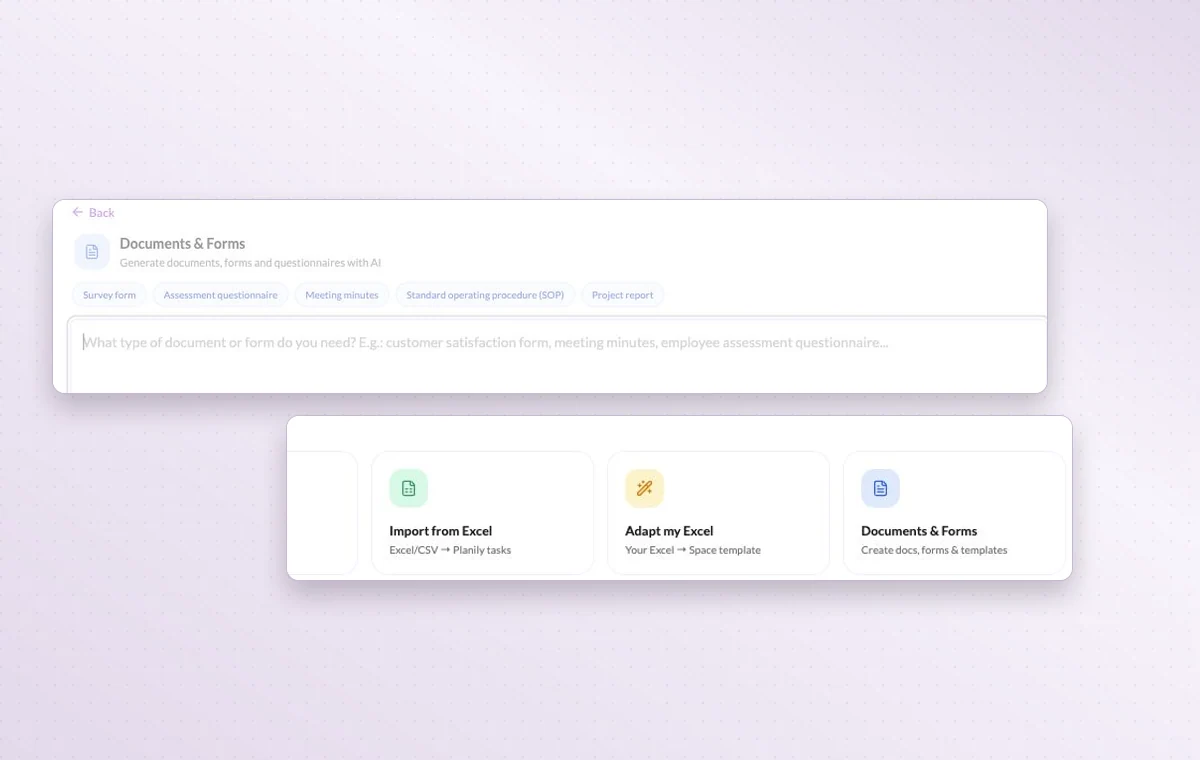
Include the project, who the work is for and the result you need. A request for a client presentation gives the assistant a different starting point than a note for the team.
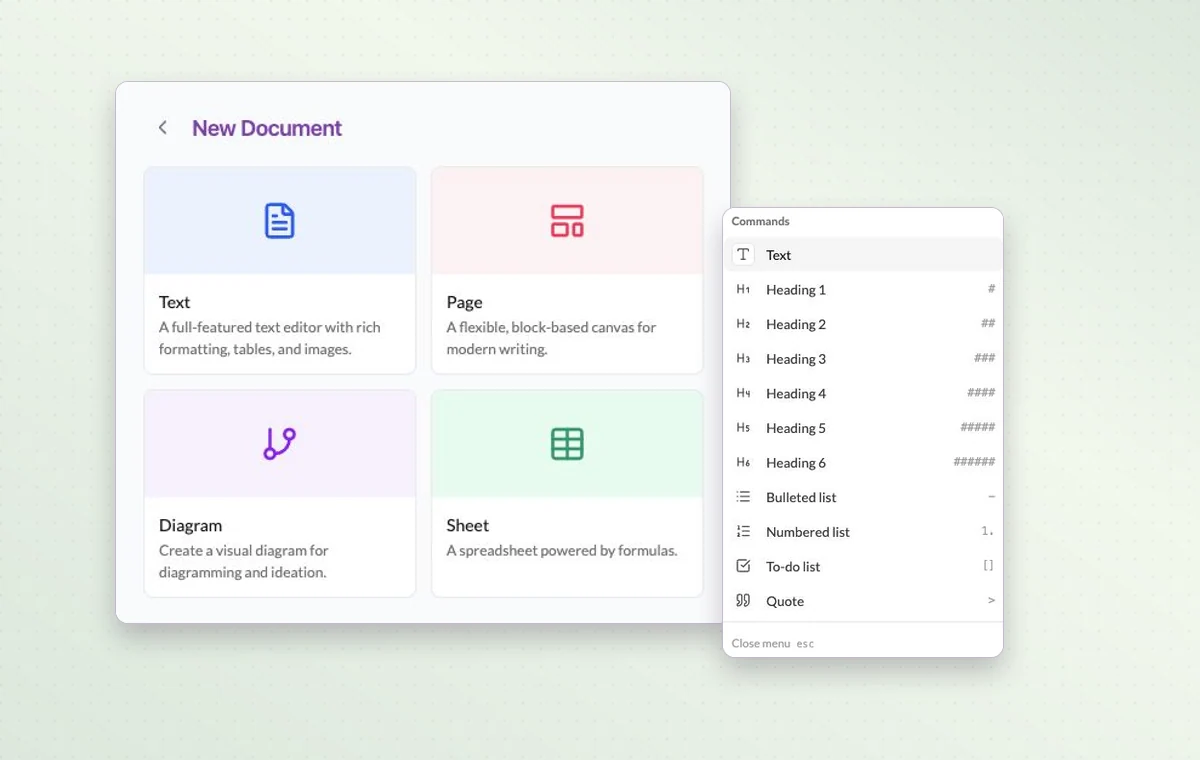
Draft the wording in a text document. Use a page with blocks for a brief that brings instructions, decisions and deliverables together.
Put a change request or decision in a task comment. The next person to open the task can read what was agreed before starting the revision.
Yes. The assistant offers document prompts for meeting minutes, procedures and project reports. Review the draft against the actual agreement or process.
Give the audience, objective and constraints. For example, ask for three launch email angles for returning customers, using a short, practical tone.
You can create an account for free. The AI tools available to you depend on your plan.