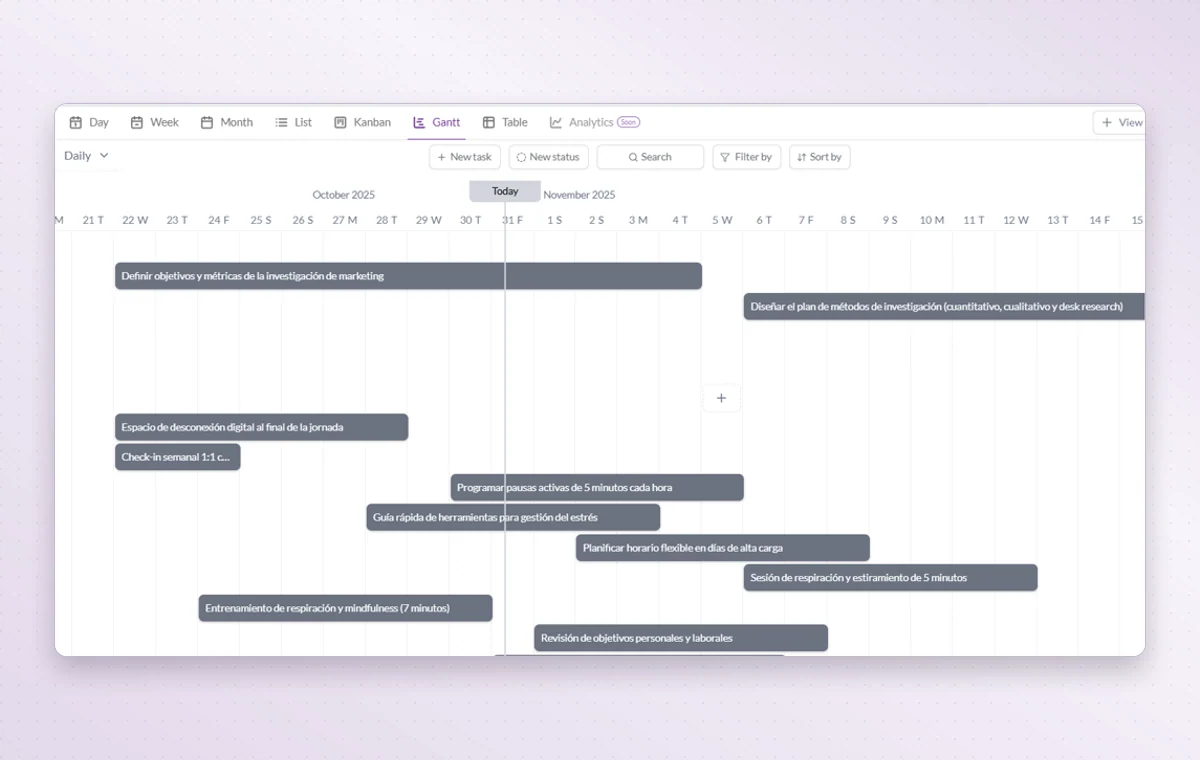
A delivery can slip just as another team expects to start. Use the Gantt timeline to spot overlapping work and talk to the people affected before you move the deadline.
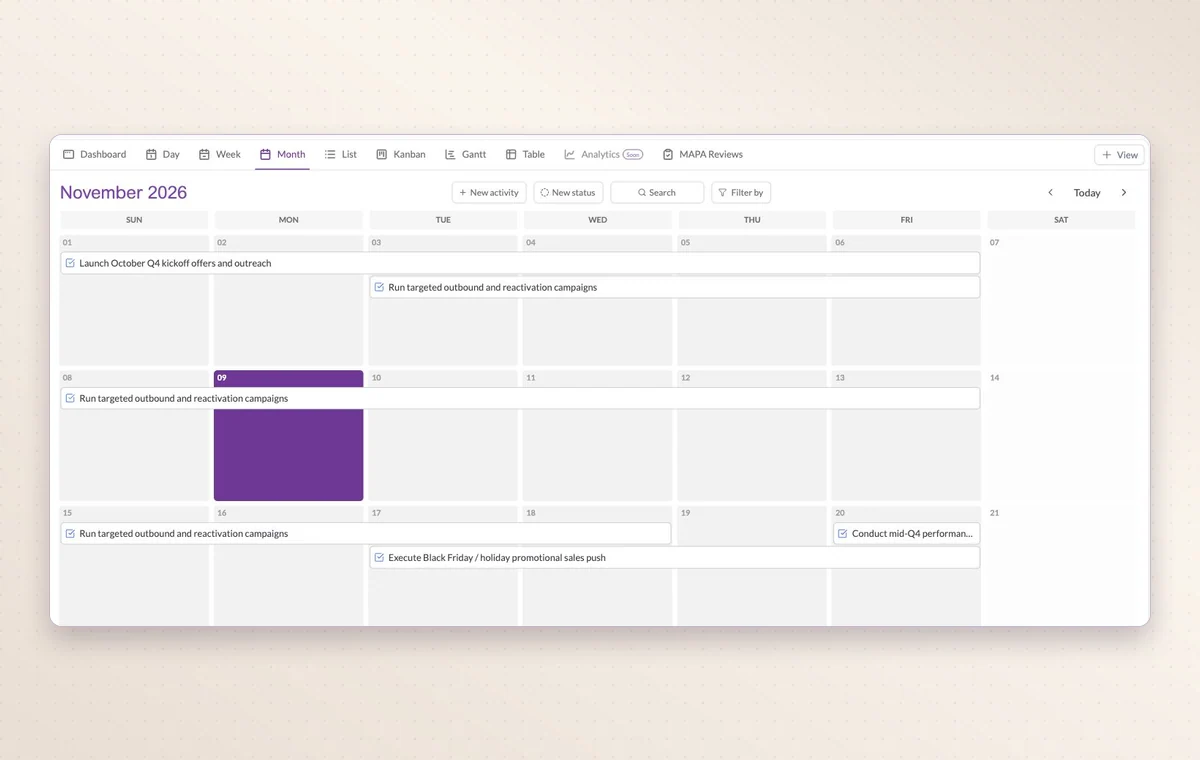
Month view in Work Hub with scheduled activities spanning several days.
Gantt timeline
In day-to-day work
Check before you promise a date
Gantt lays out activities along a timeline. Look for overlapping dates before you promise the team another delivery.
A start and a deadline
Set both dates on the task. The person doing the work can plan a start and the person waiting for it knows when it’s due.
Someone to turn to
Assign the people responsible for the task. If the plan changes, the team knows who to speak to and which assignments to revisit.
Before you start
A few good questions.
What information makes the timeline useful?
Meaningful start and due dates give each activity a time span that you can compare with nearby work.
Can I bring in an external calendar?
GGyess offers Google Calendar and Microsoft Calendar connections. Your account connection, selected spaces and sync settings determine what is included.
With your permission, we use Google Analytics to see which pages people visit and whether they click the registration buttons. Google Ads measures visits from ads. With separate permission, Google Signals can associate this visit with a signed-in Google account for aggregate reports. With your permission, Microsoft Clarity may record clicks and scrolling to replay your visit.Cookie policy.