The date is public. Testing is still underway and support is waiting for instructions. Map the timing in GGyess, assign each deliverable and record who will make the final decision.
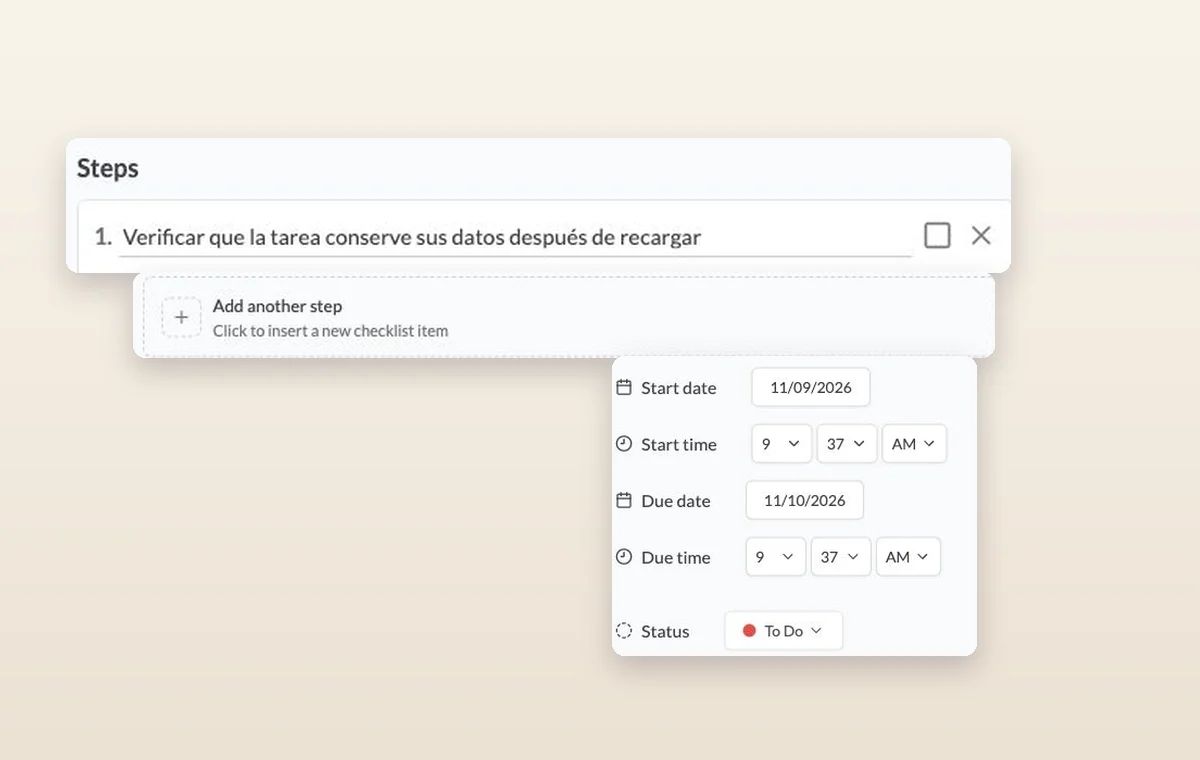
Steps on a task, the control for adding another step, and its start date, due date and status.
Product launches
In day-to-day work
Check before you promise a date
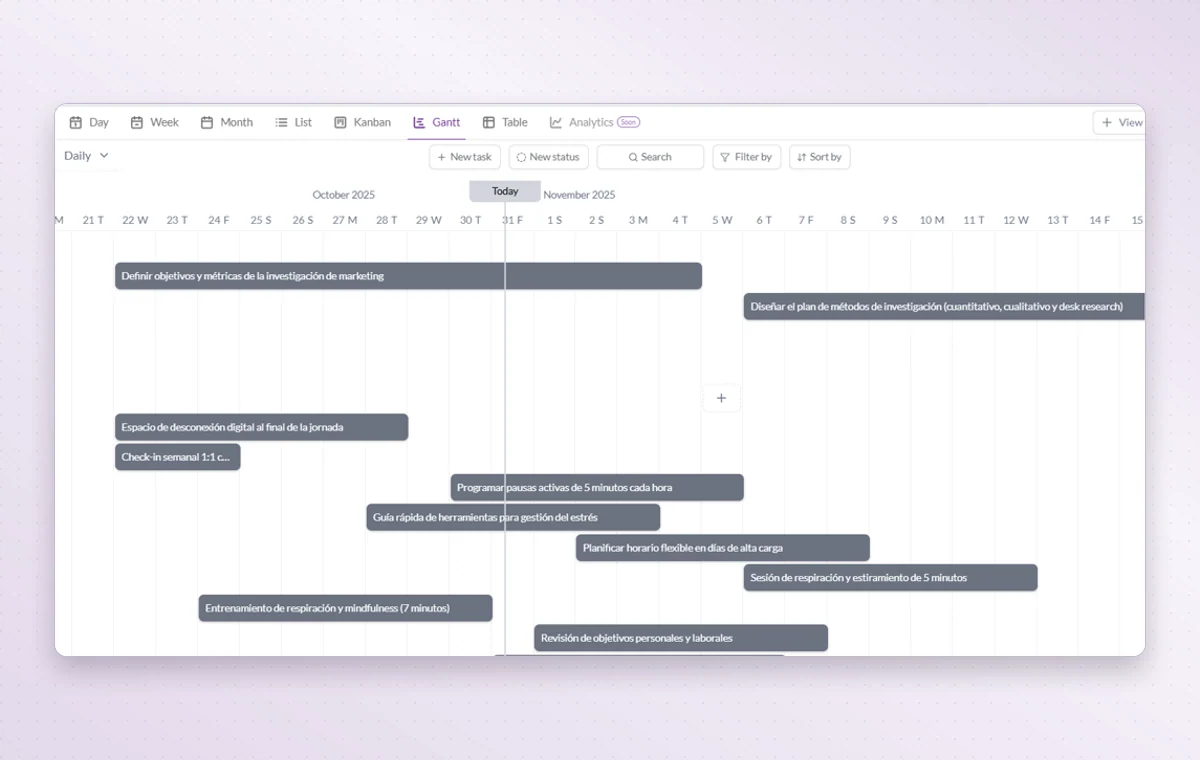
Gantt lays out activities along a timeline. Look for overlapping dates before you promise the team another delivery.
Break down a larger task
Put quick checks on the main task. If a piece of work needs its own status, make it a subtask so people can follow its progress.
A decision you can find again
Put a change request or decision in a task comment. The next person to open the task can read what was agreed before starting the revision.
Before you start
A few good questions.
Where do we record a go-live decision?
Create a task for the final launch review. Include the checks the team needs to complete and ask the decision maker to record the outcome in a comment.
What information makes the timeline useful?
Meaningful start and due dates give each activity a time span that you can compare with nearby work.
With your permission, we use Google Analytics to see which pages people visit and whether they click the registration buttons. Google Ads measures visits from ads. With separate permission, Google Signals can associate this visit with a signed-in Google account for aggregate reports. With your permission, Microsoft Clarity may record clicks and scrolling to replay your visit.Cookie policy.